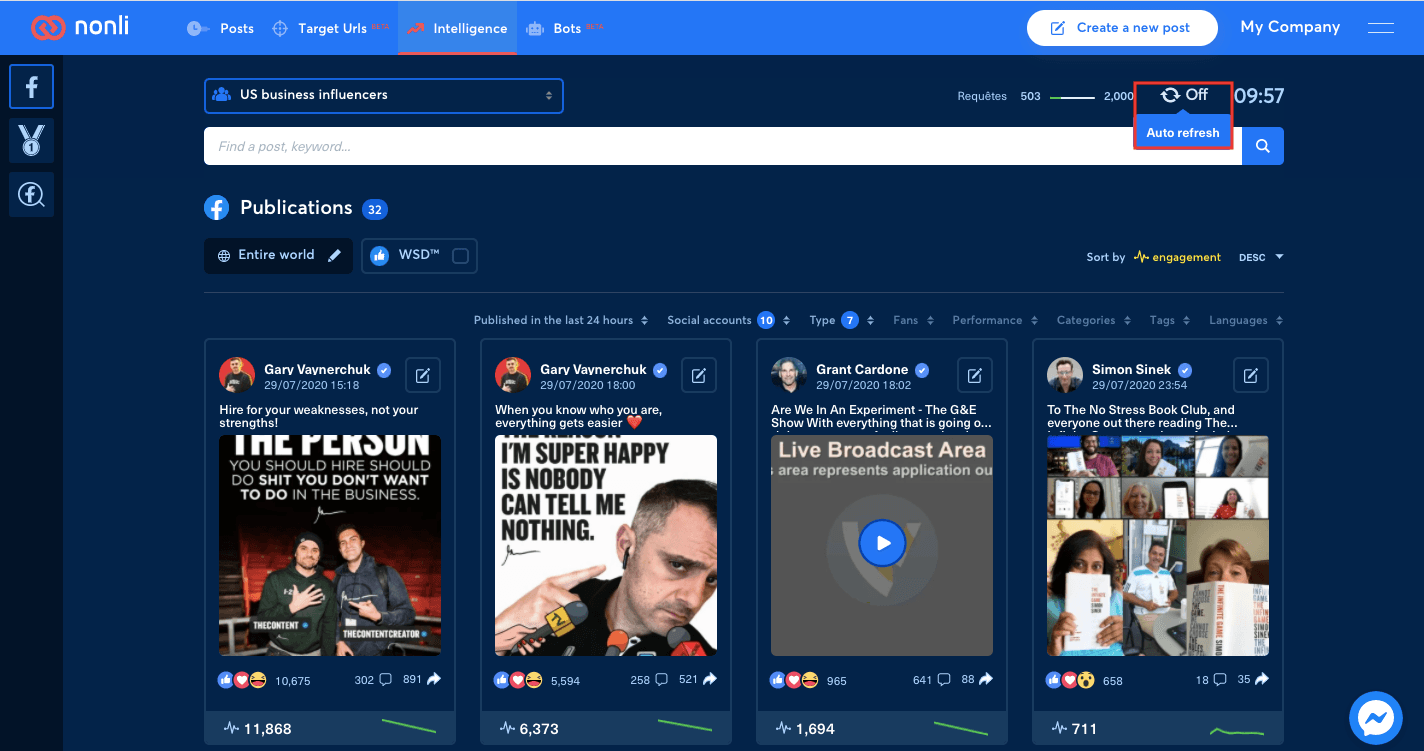
Click on the auto refresh wheel at the top right corner of the page.
1. Verify the result#
Confirm that the robot is active, has an active pack, uses the intended source theme, targets valid social accounts, and has a current consultation period and publication window. Test with one known article and trace it from the theme to the generated post. If it is still absent, use the bot diagnosis guide before changing several filters at once.