1. Open your Business Manager#
Go to https://business.facebook.com/.
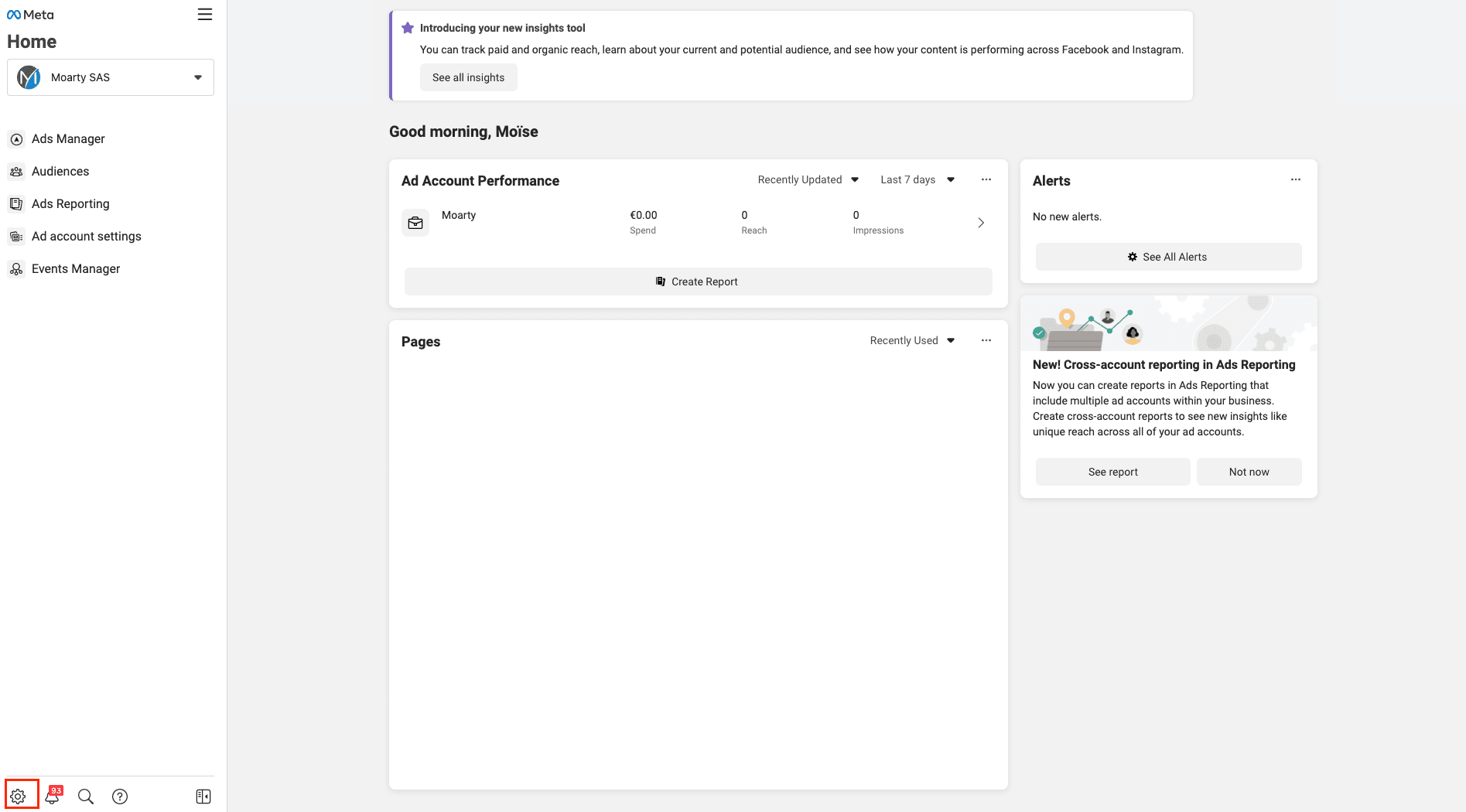
2. Click the settings wheel#
Click the settings wheel at the bottom left of the screen.
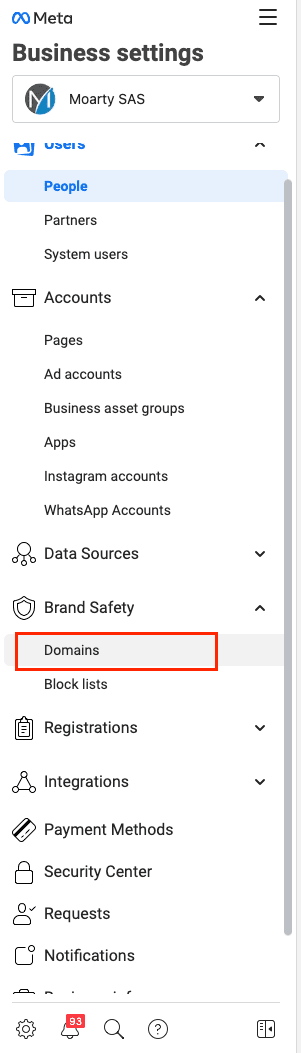
3. Open Brand Safety / Domains#
In the left column, open "Brand Safety" then "Domains".
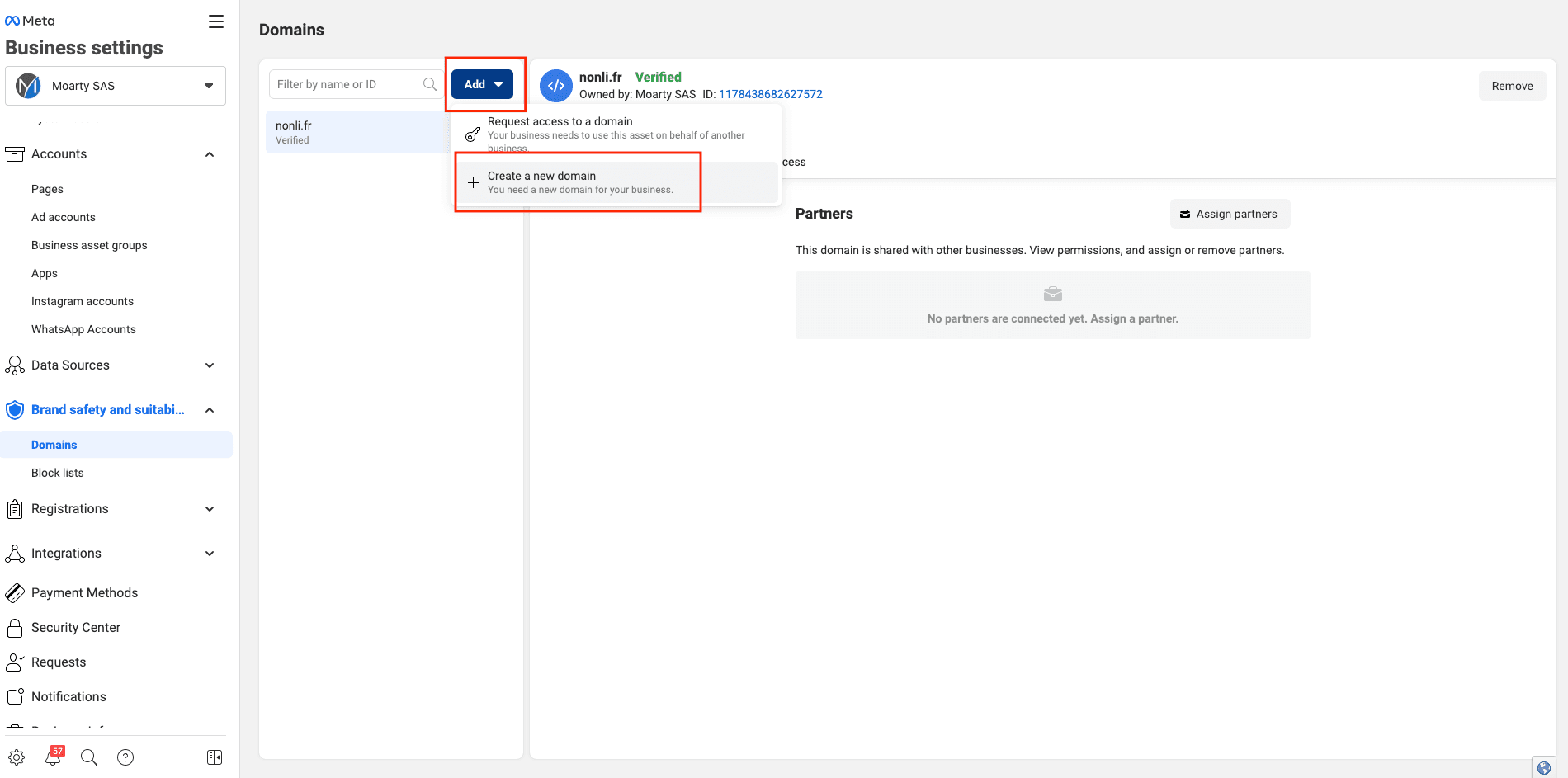
4. Add and verify your domains#
Add the domain names you want to verify if they are not already present.
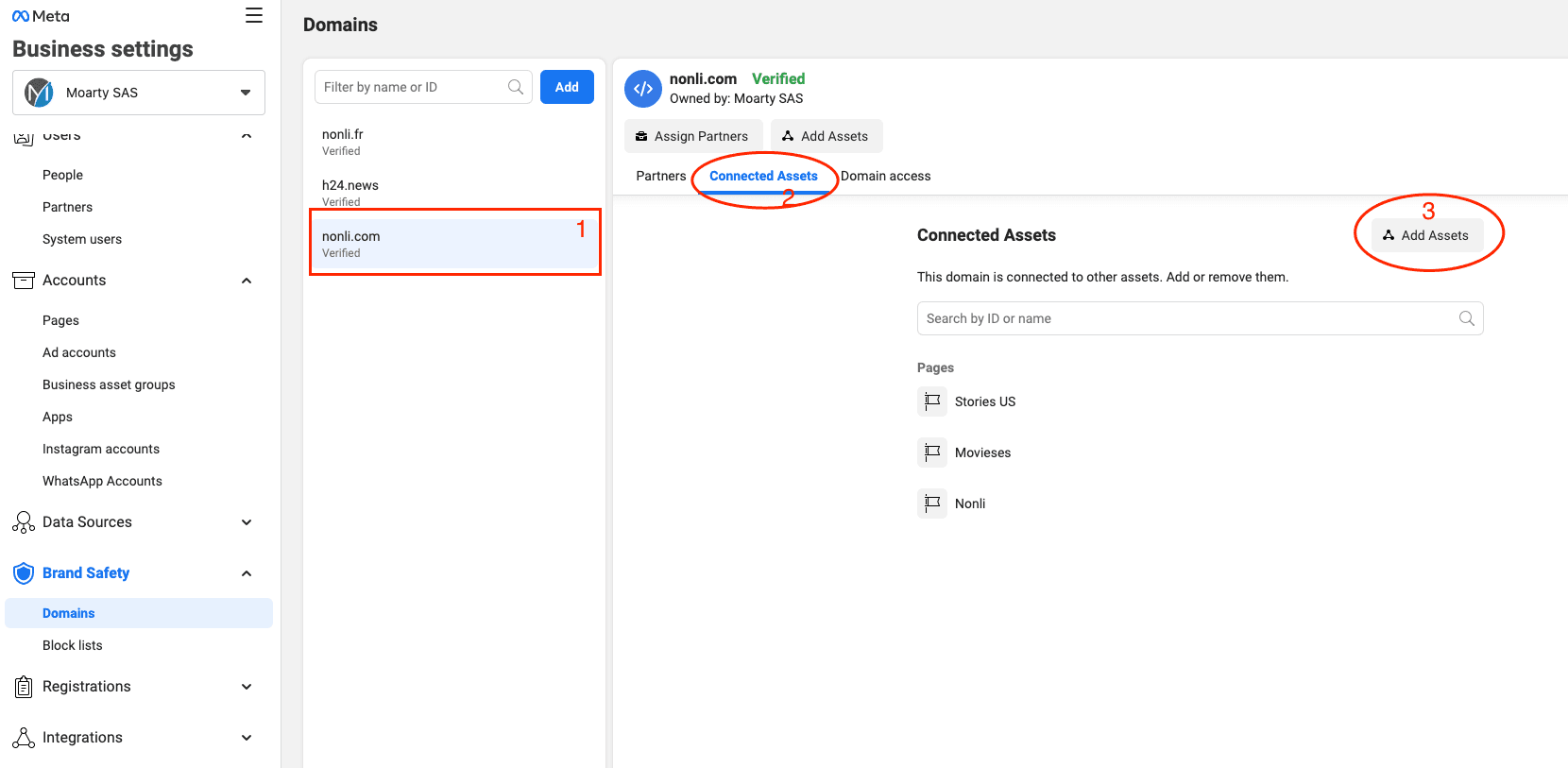
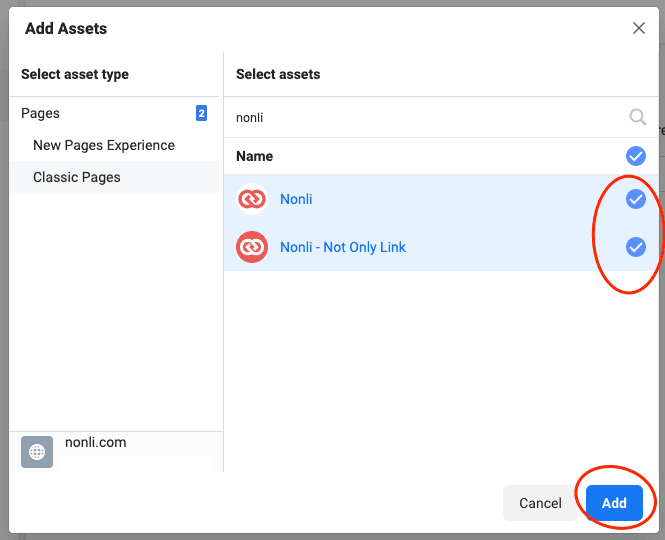
5. Assign your pages to the verified domain#
Add the relevant Facebook pages to your verified domain.