Add or replace a logo from the brand’s Brand information form. The logo helps users identify the correct brand in selectors; it does not replace the profile image configured on a social network.
1. Upload the logo#
- Open the main menu and select Brands.
- Open the brand you want to update. Check the brand name first so that you do not edit a namesake.
- In Brand information, select the logo upload area.
- Choose the approved brand asset from your computer. A square 512 × 512 pixel image is recommended; use a clear mark with enough contrast at small sizes.
- Preview the result. If the image is cropped or difficult to read, prepare a square version instead of uploading a wide header image.
- Select Save and wait for the update to complete.
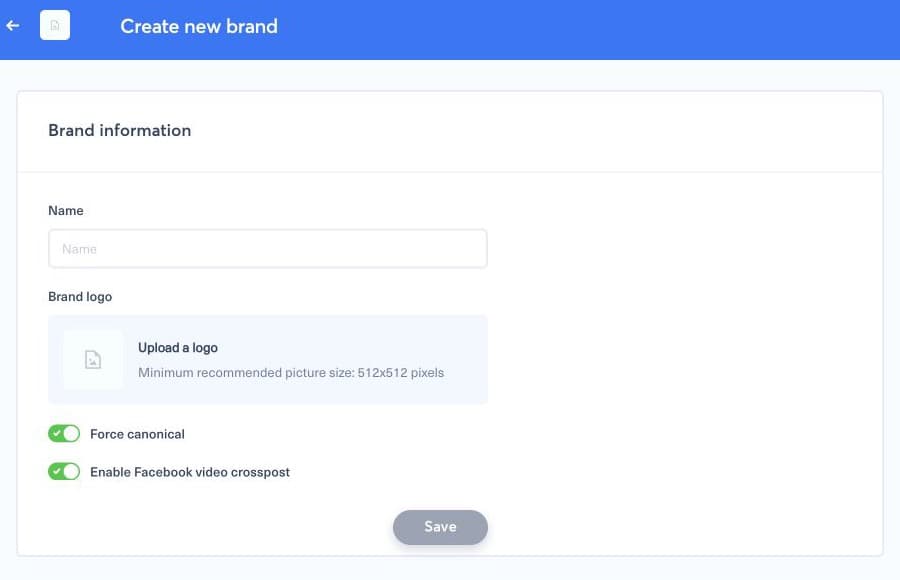
Reload the page and check a brand selector on Posts or Bots. If the old image is still visible, refresh once after the save has completed; browser and image caches can briefly retain the previous asset. If the upload fails, check that the file is a normal web image, reduce an unusually large file, and try again without changing other brand settings.