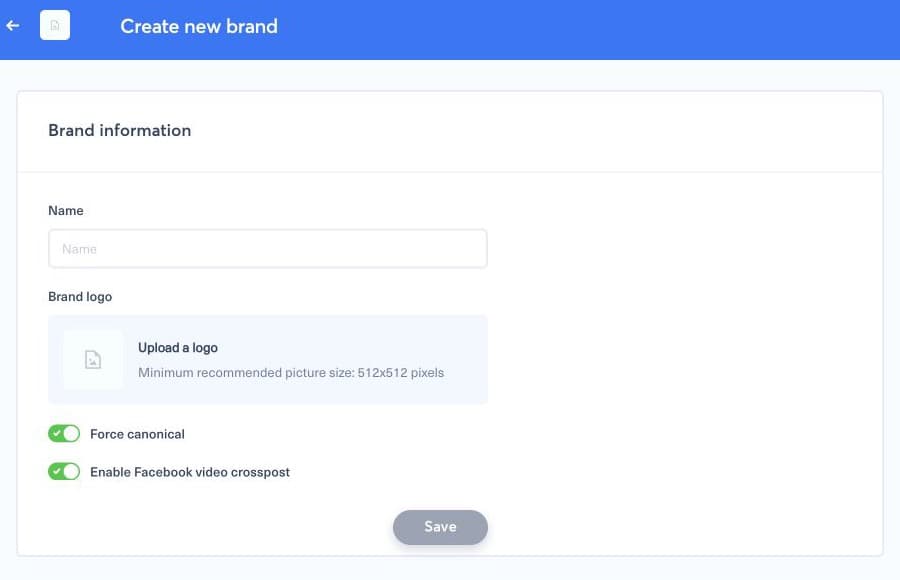
Assign the website from the settings of the brand that owns its editorial content. Open Brands, select the brand, find its website or domain section, and add the canonical domain without a path. Use the production host that appears in article canonical URLs; add another host only when it serves a distinct eligible source.
1. Complete the assignment#
- Check that you opened the correct brand.
- Enter the website host in the format requested by the form.
- Save the brand and wait for the confirmation.
- Refresh or submit a known article URL from that site.
- Confirm that the article appears under the intended brand and theme.
If content is assigned elsewhere, check for duplicate www and bare-domain entries or a canonical URL pointing to another host. Changing a domain assignment affects future detection and can affect automated publishing, so coordinate the change with the brand administrator.