Create a link post from Create a new post. Select the destination accounts first, then paste the public article URL into the message editor. Nonli retrieves the page metadata and builds the network preview; add the accompanying text only after the preview has loaded.
1. Check before publishing#
- Confirm the title, description, image, and final target URL.
- Edit the message separately for networks that need different wording.
- Make sure the destination accounts support the proposed format.
- Choose immediate publication or a future schedule, then submit once.
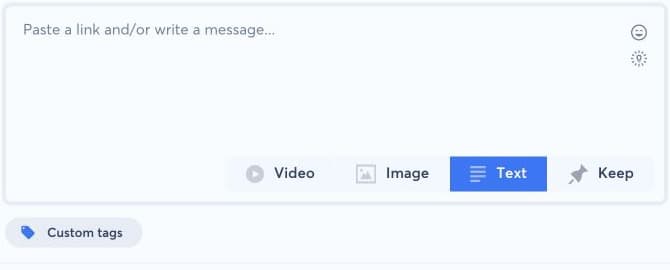
If the preview is empty or incorrect, do not compensate by repeatedly pasting the URL. Verify that the page is public and returns valid Open Graph or schema.org metadata, then follow the web-content diagnosis.