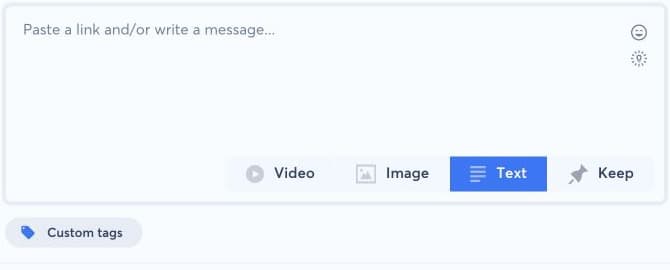
Add an image while composing the post, before the final publication action. In Create a new post, select the destination accounts, choose Image below the message area, then upload or select the approved visual.
1. Verify the visual#
Check the crop, orientation, text readability, and preview for every selected network. A single source image can be rendered differently by each social platform. Use the image editor for a manual crop when available, but keep important text and logos away from the edges. Confirm that the file format, dimensions, and size meet the destination constraints.
If the image does not upload, try a standard JPEG or PNG with a smaller file size and a supported color profile. If one network rejects the post, remove that destination or prepare a compatible variant rather than repeatedly submitting the same invalid media.