- Open your brand from the burger menu: "Brands", then click the brand you want to configure.
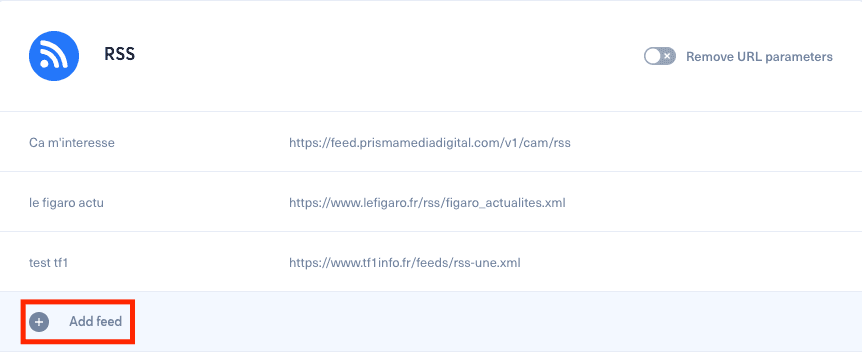
- Scroll down to the RSS section.
- Click "Add a feed".
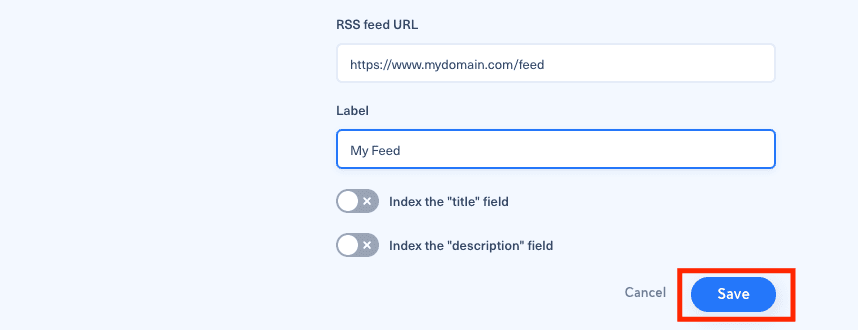
- Add the RSS feed URL and a label, then click "Save".
Do not enable "title" and "description" unless you want to use those texts in your messages and they are not already present in your article.
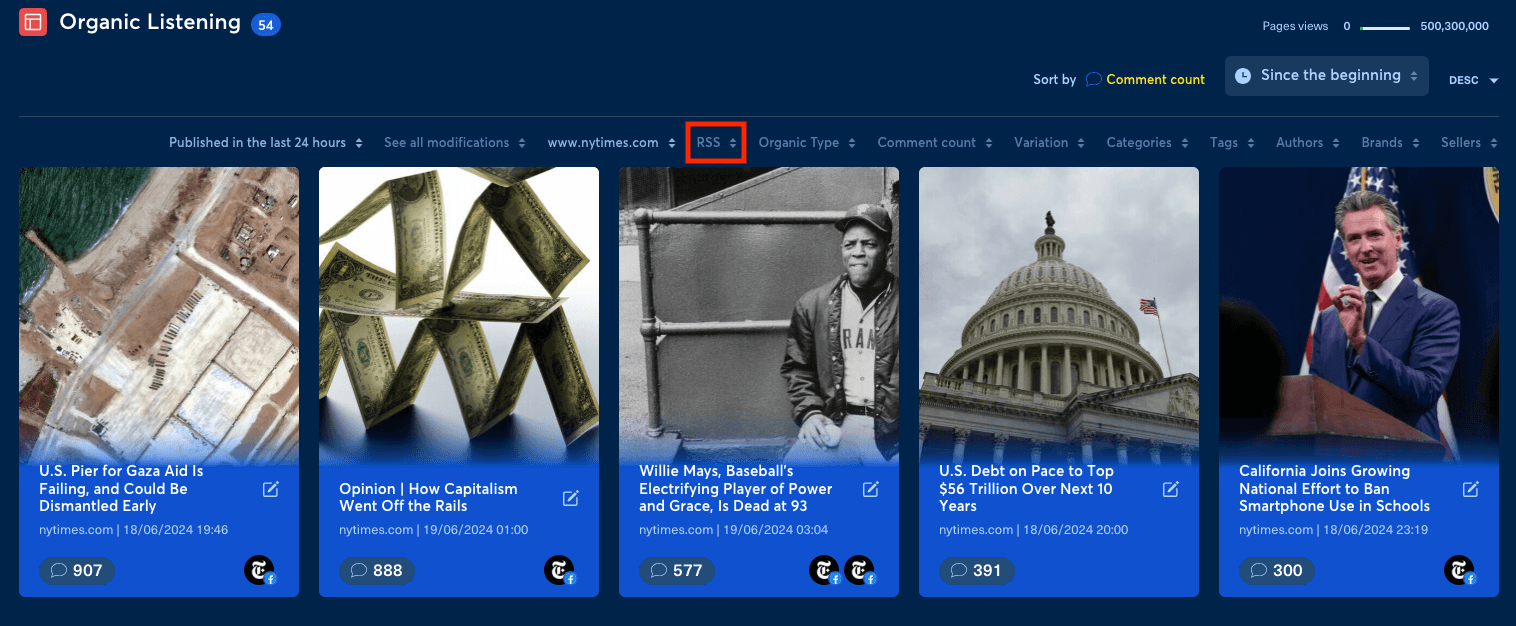
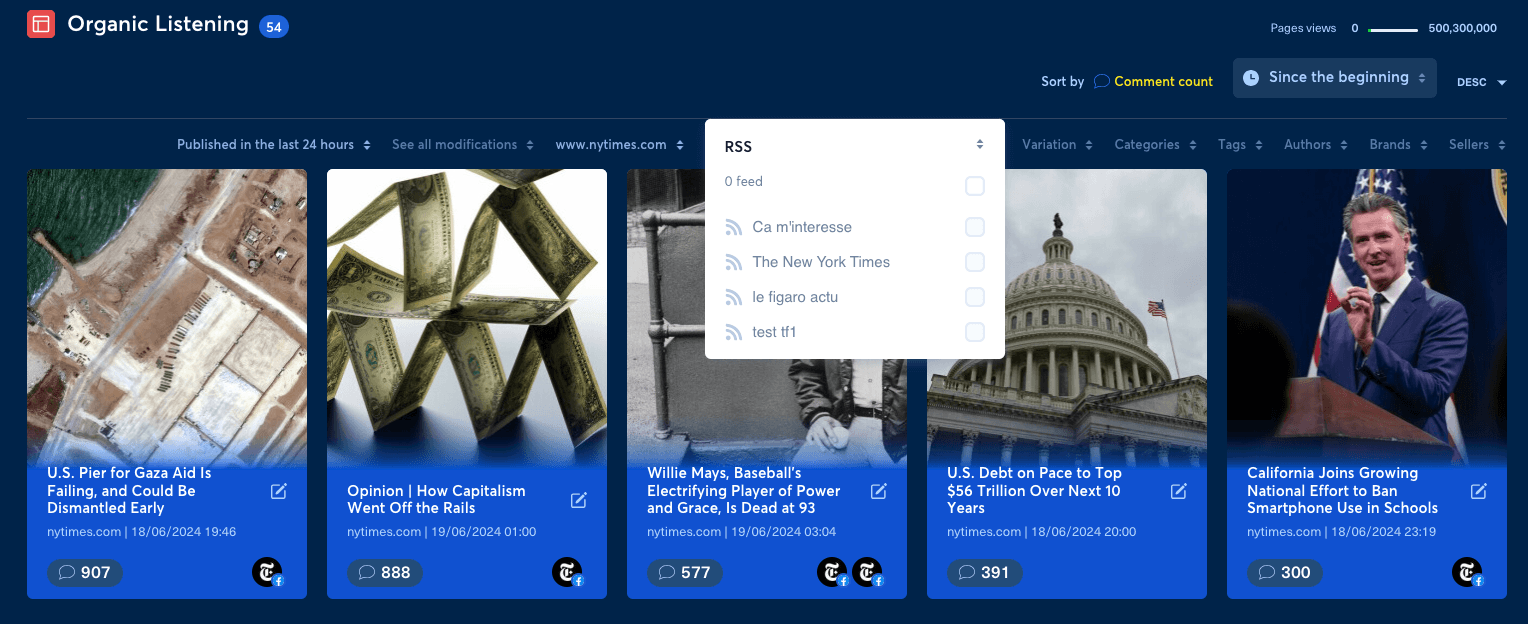
You can then create a filter in Organic Listening, in the Intelligence section, based on that RSS feed.
If an expected feed item does not reach the theme, use the web content collection diagnostic before changing a bot.