Custom tags let you analyze or export your social media posts using your own criteria.
1. Add custom tags inside a post#
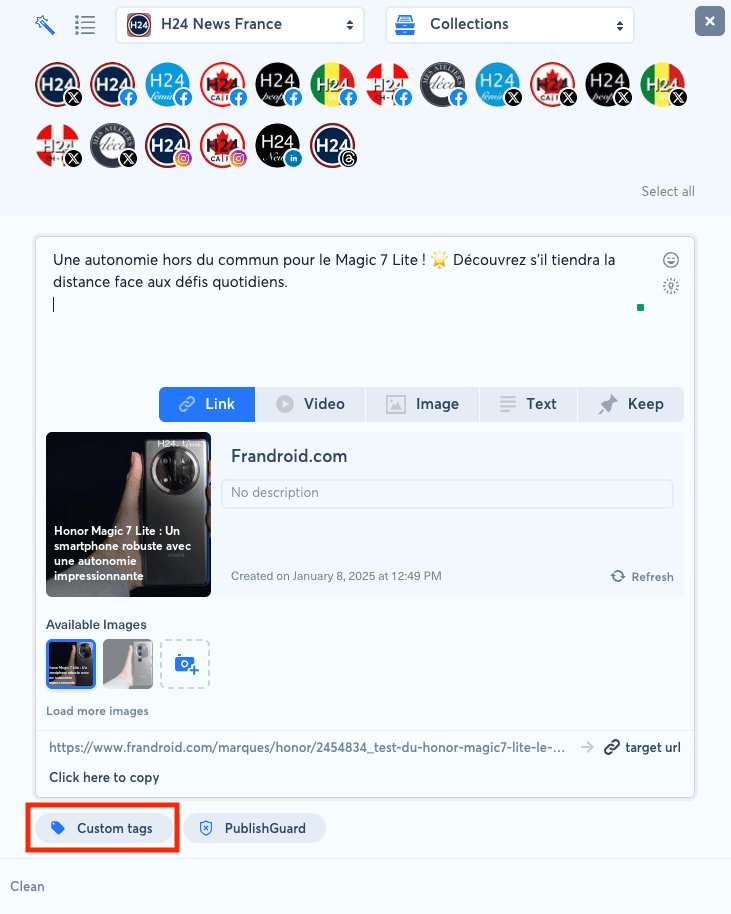
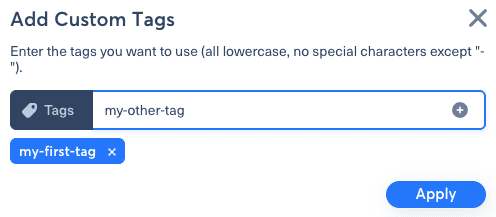
When creating a post, or when opening an existing post, click the "Custom tags" button. You can then add one or more tags to the post.
2. Add tags in bulk#
You can select several posts and assign tags to all of them at once.
3. Create a predefined tag list#
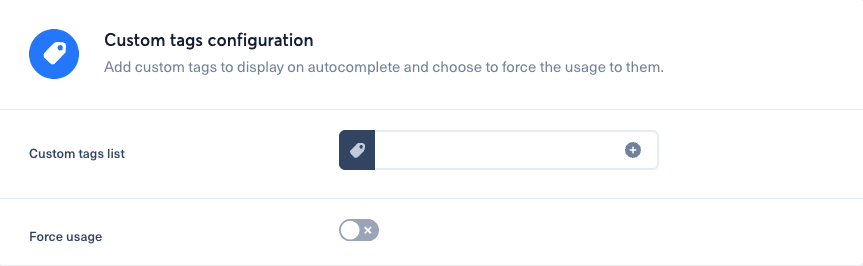
Open the burger menu, go to "Brands", then select your brand. Scroll down to the "Custom tags configuration" section.
You can also restrict selection to this predefined list by enabling the "Force usage" option.