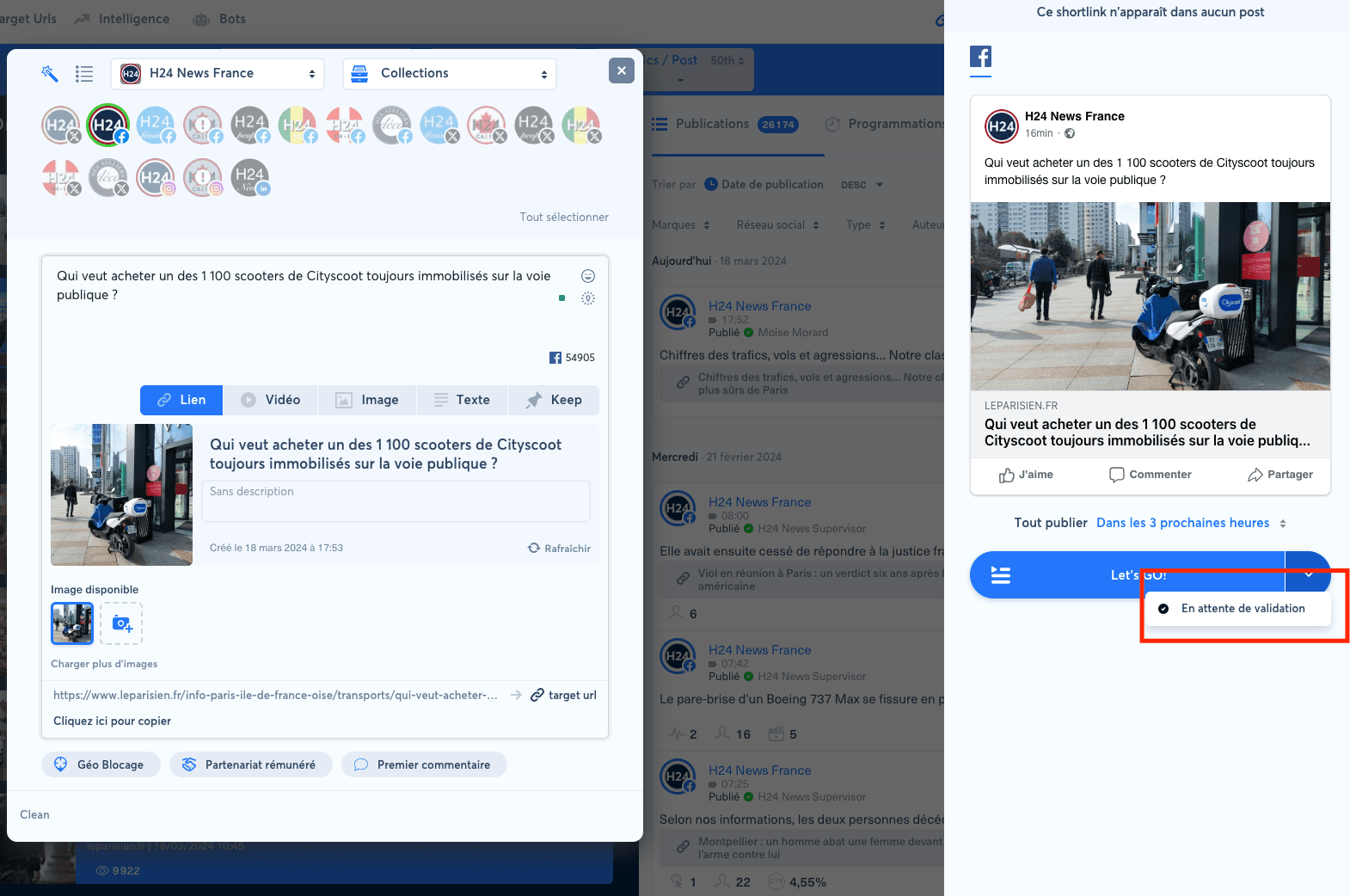
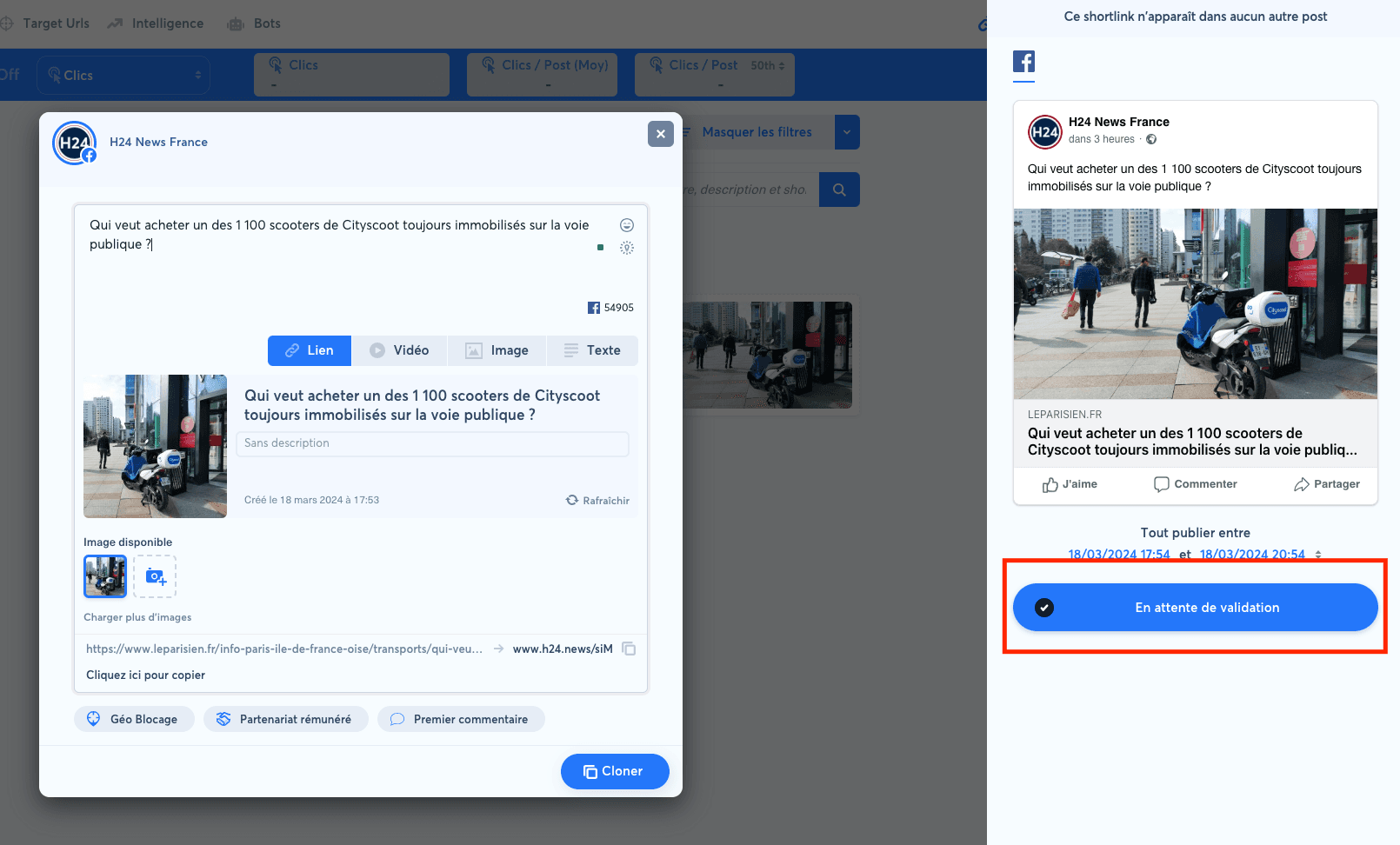
When you have read/write rights on a social account, click the down arrow on the "Let's GO!" button in the right column while creating a post, then choose "Awaiting review".
A user without write rights only has access to the "Awaiting review" action.
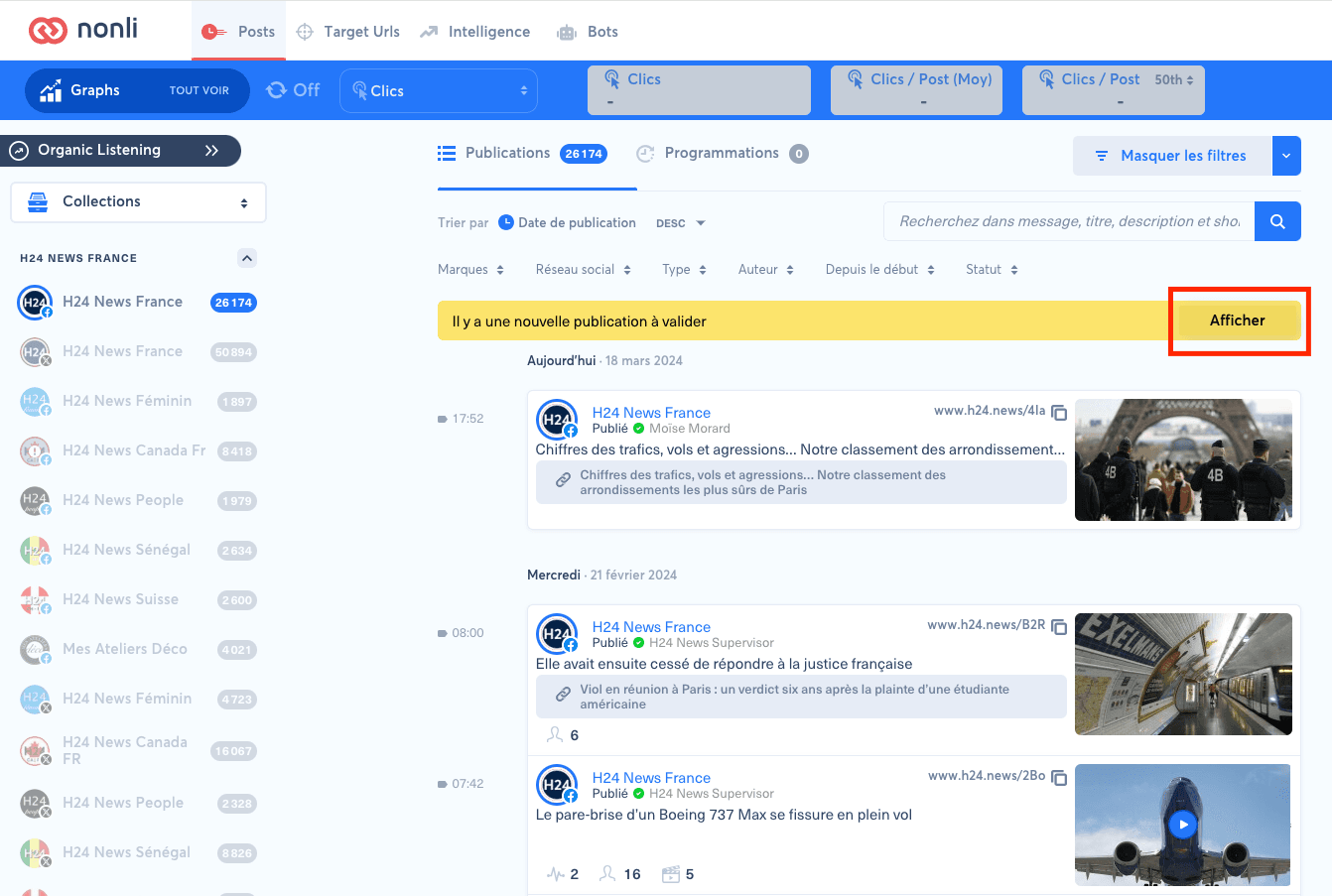
The post will then be visible to authorized users, who can edit it or validate the publication.