1. Shorten the URL
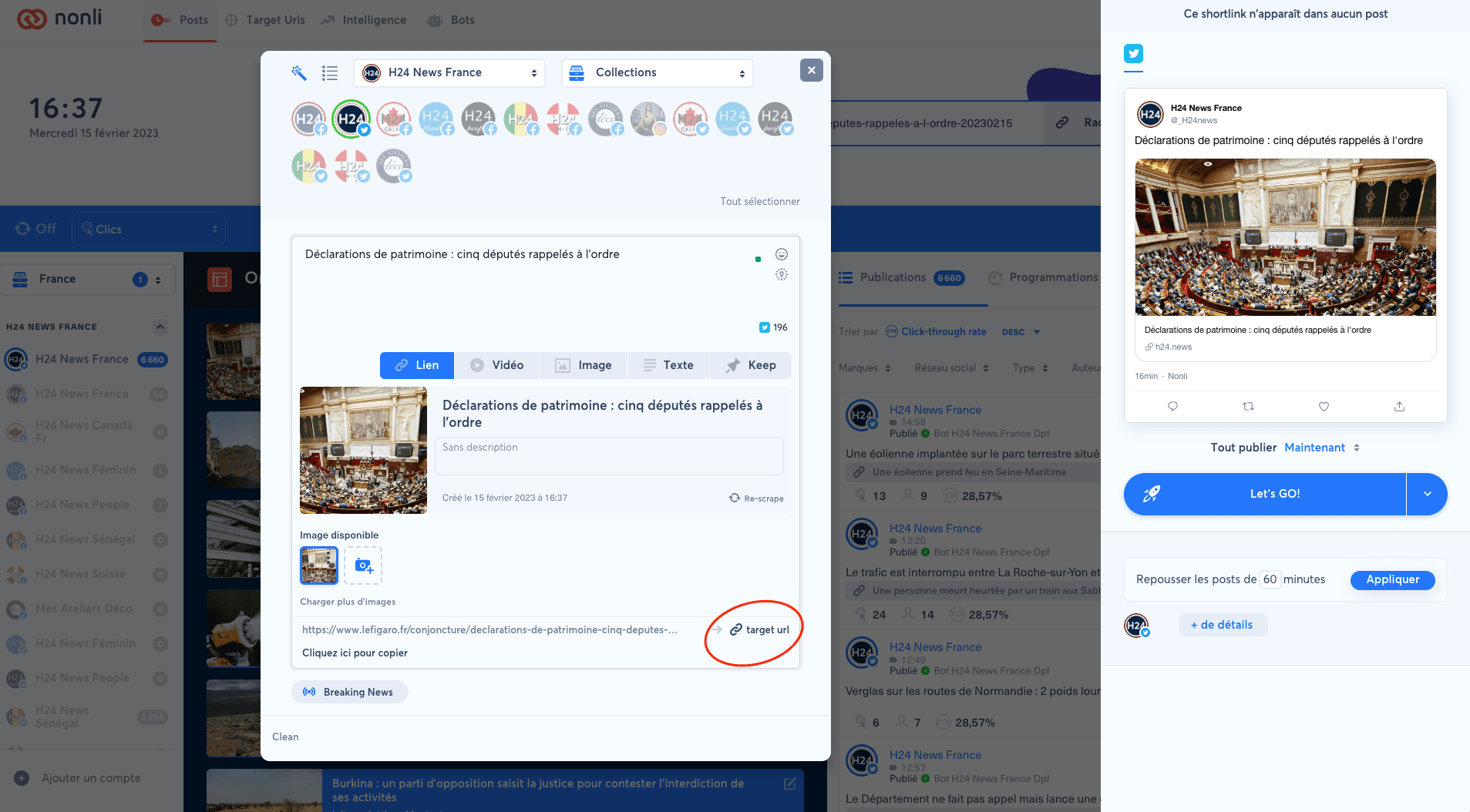
Shorten the URL in the URL shortener, or click the target URL link from the publication window.
2. Open settings
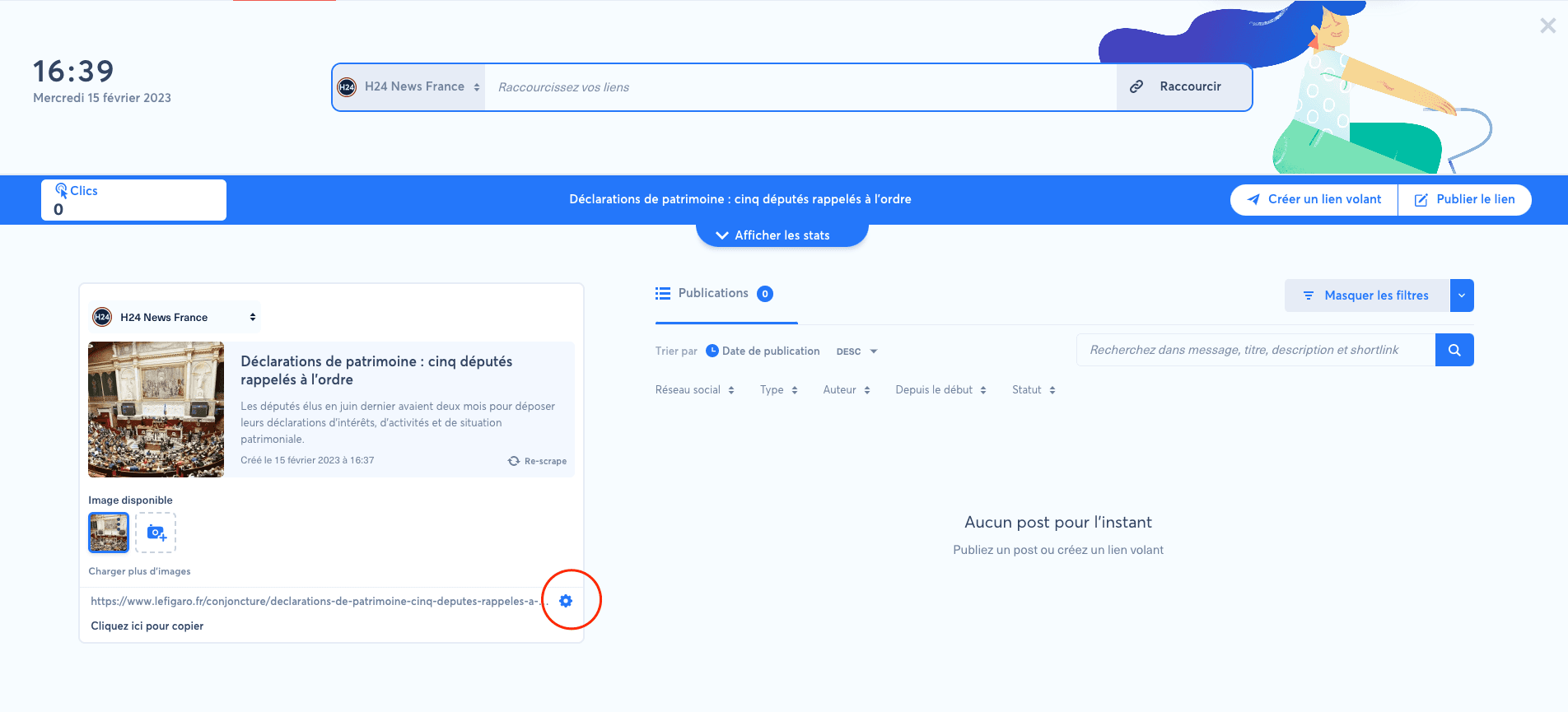
Click the settings wheel.
3. Block bots from sharing this URL
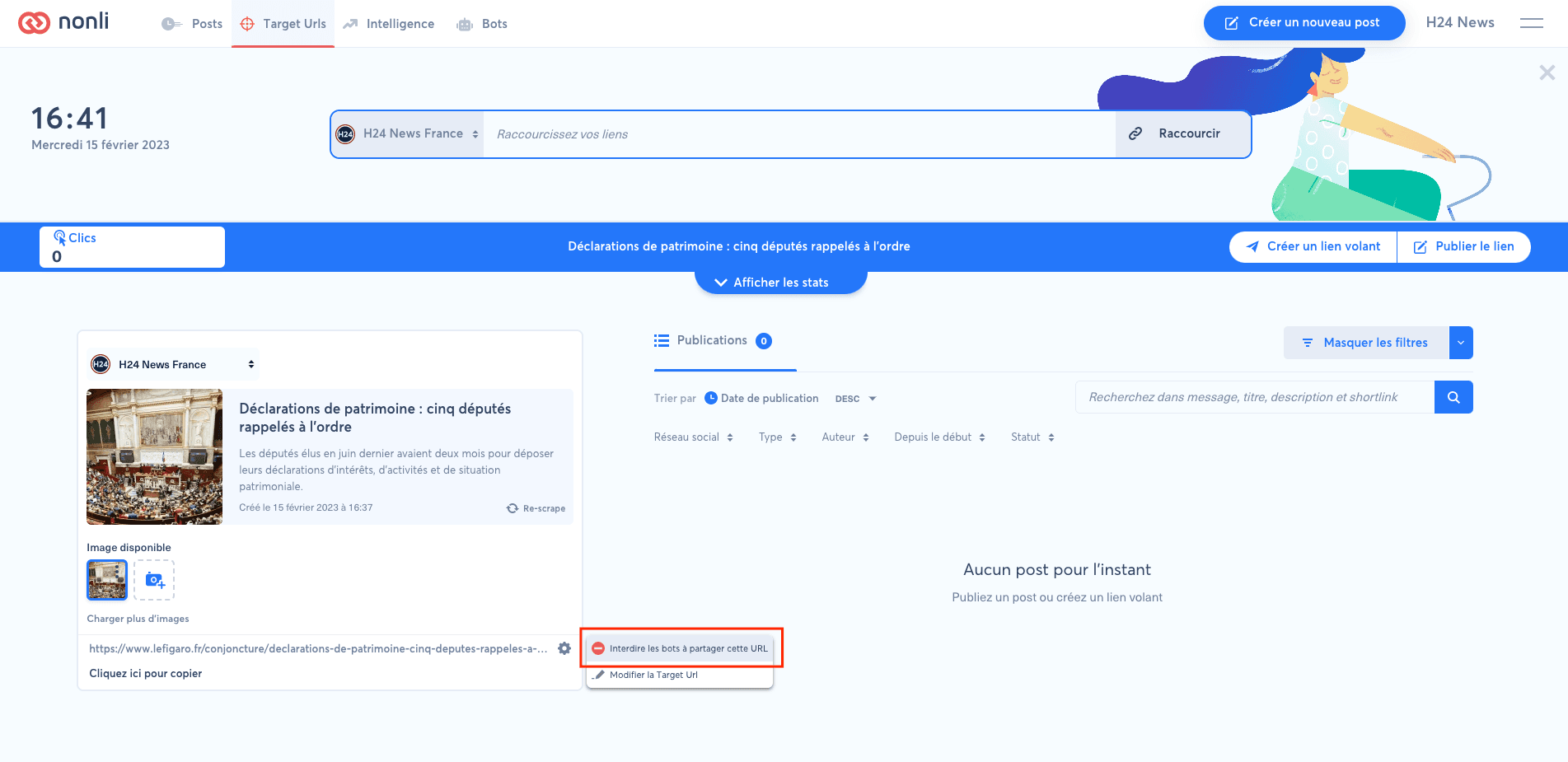
Click the button that prevents bots from sharing the URL.
4. View excluded URLs
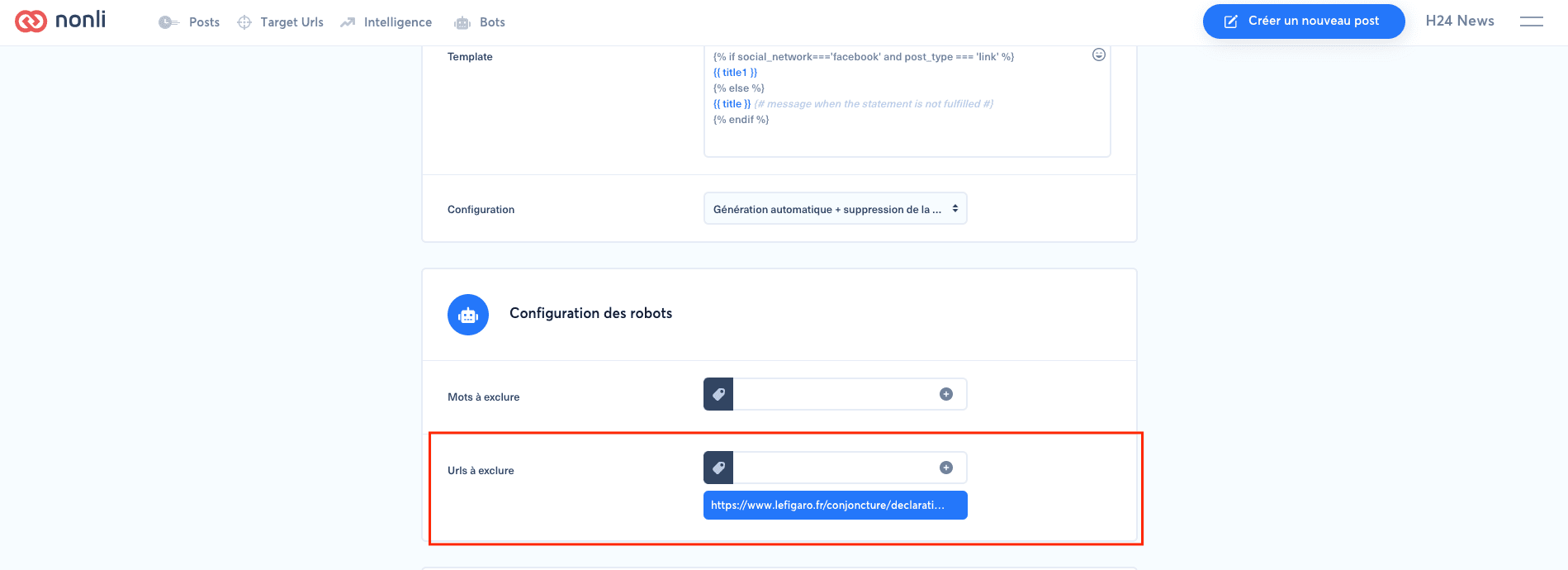
Open the burger menu, go to "Brands", select the relevant brand, then scroll to "Robots configuration".
You can also add URLs to exclude from this form. URLs are excluded for 30 days.