1. Default brand configuration#
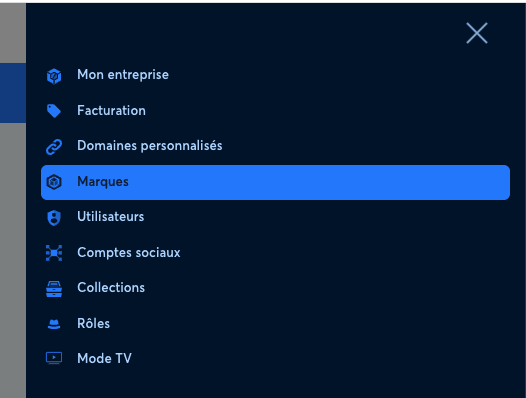
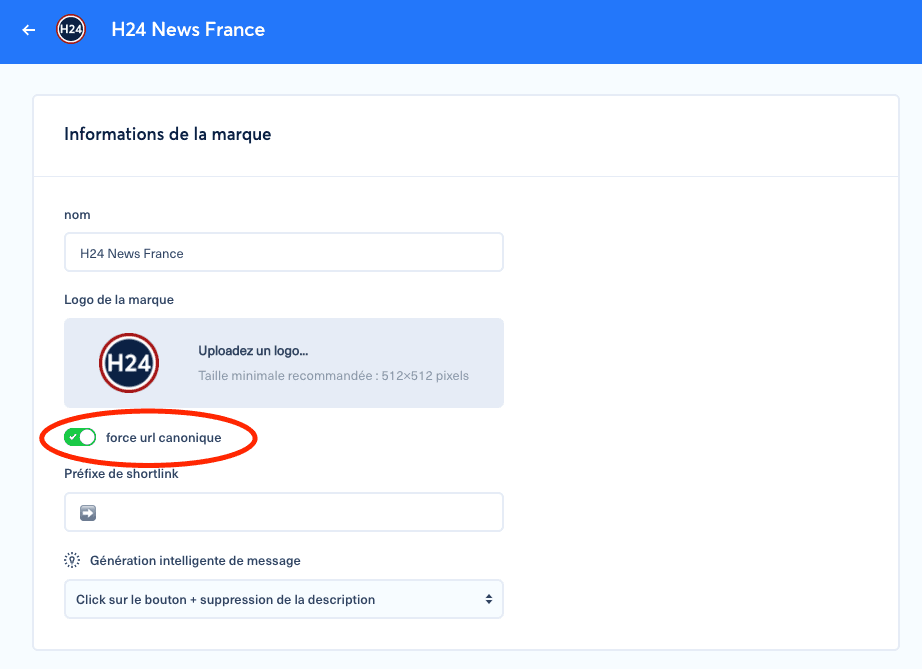
You can automatically detect and use the canonical URL by default in posts. This setting can be configured at brand level or robot level.
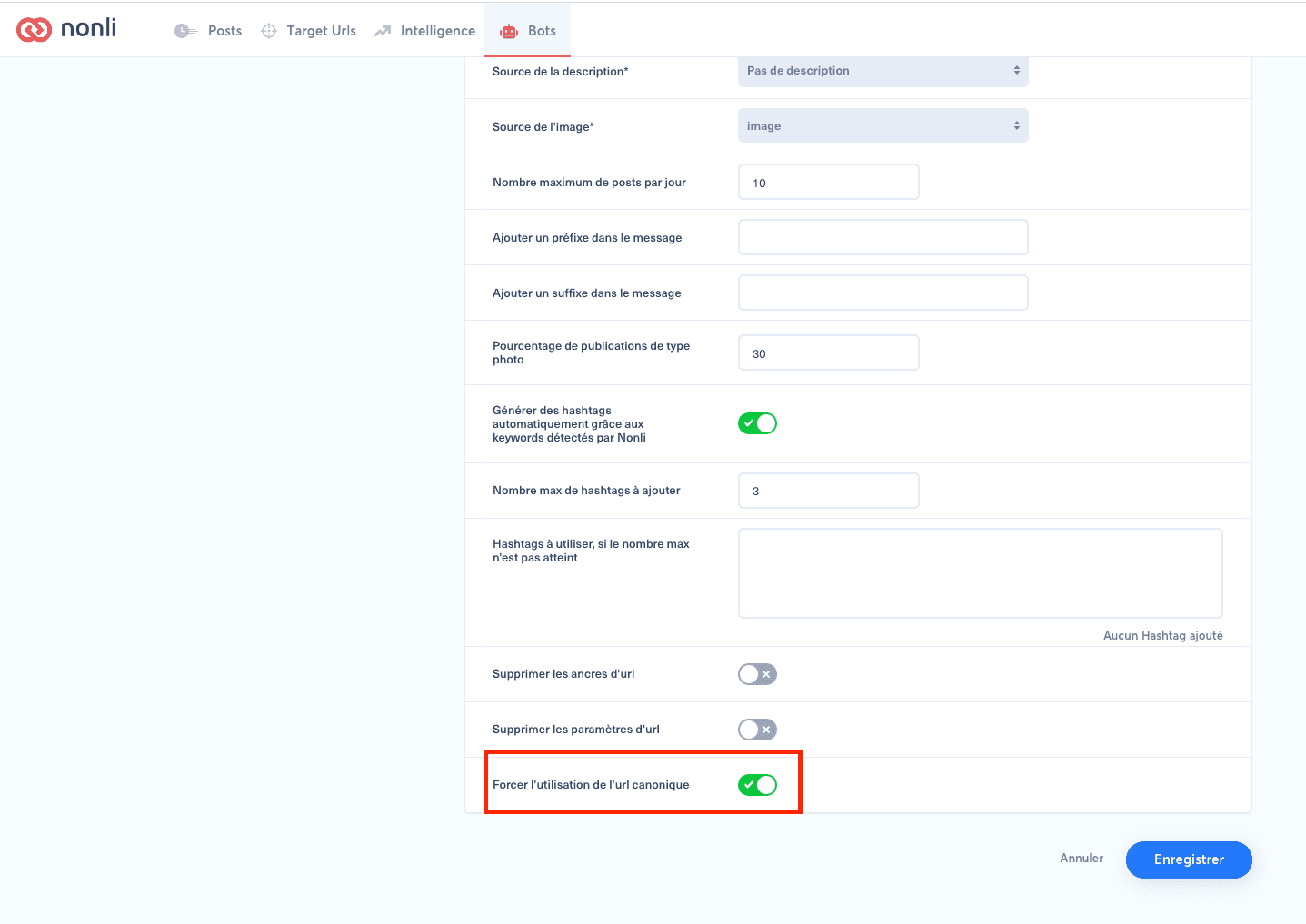
2. Custom robot configuration#
You can customize this behavior in robot settings.
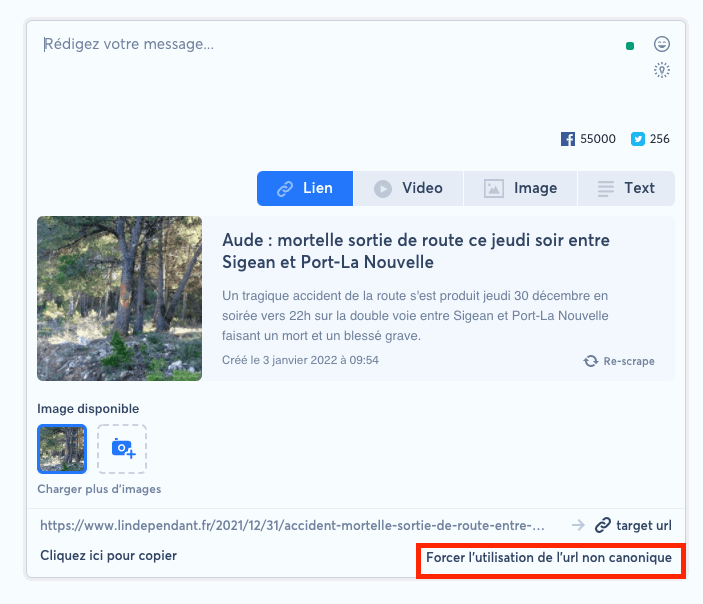
3. Change behavior for a specific publication#
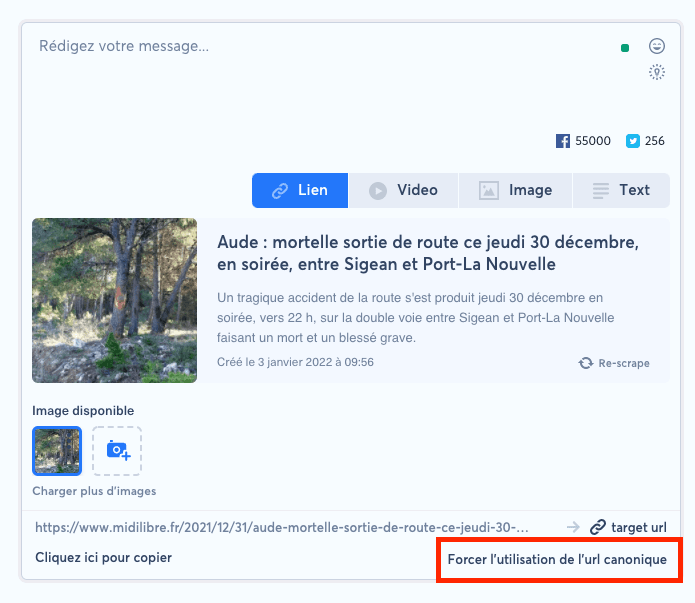
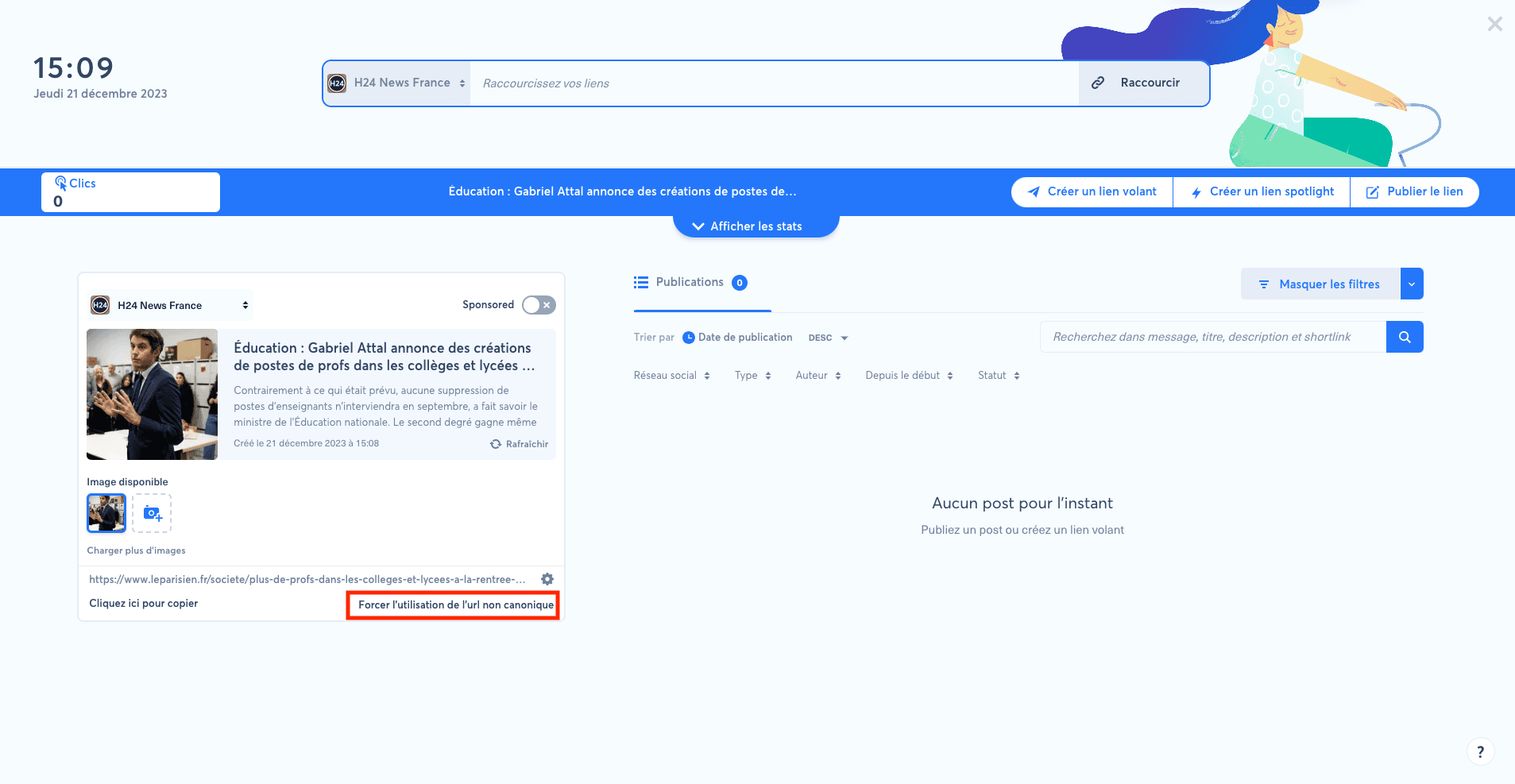
For a specific publication, you can force Nonli to use either the non-canonical URL or the canonical URL.
4. Force the non-canonical URL in Target URLs#
Create a target URL with the link and parameters through the URL shortener, click "Force non-canonical URL", then create a flying link to track a specific traffic source.