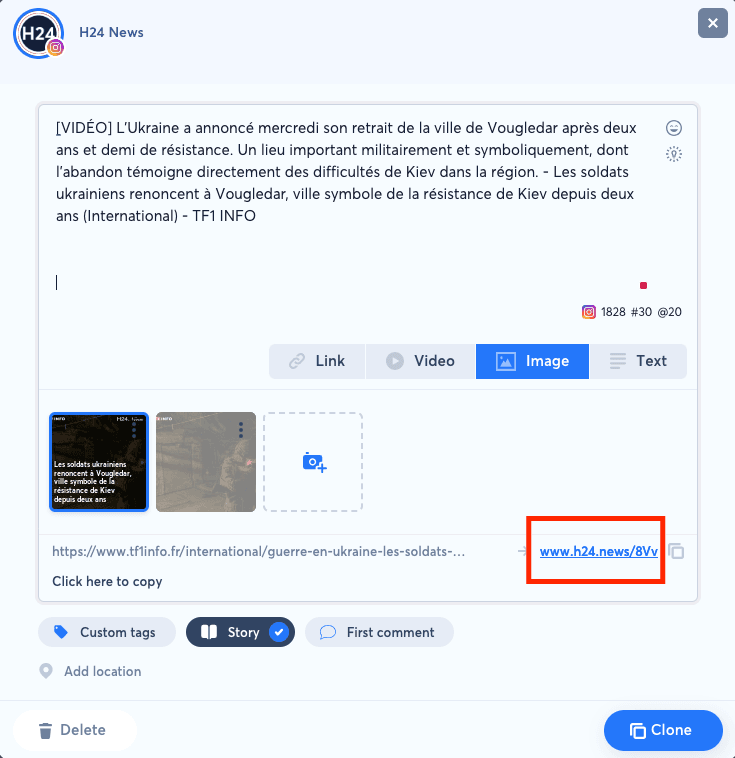
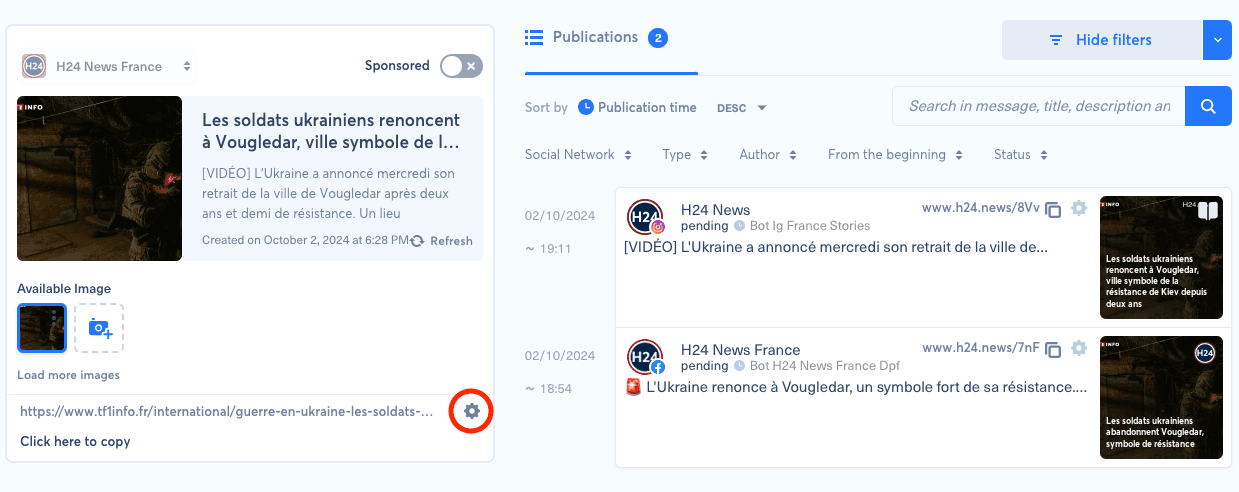
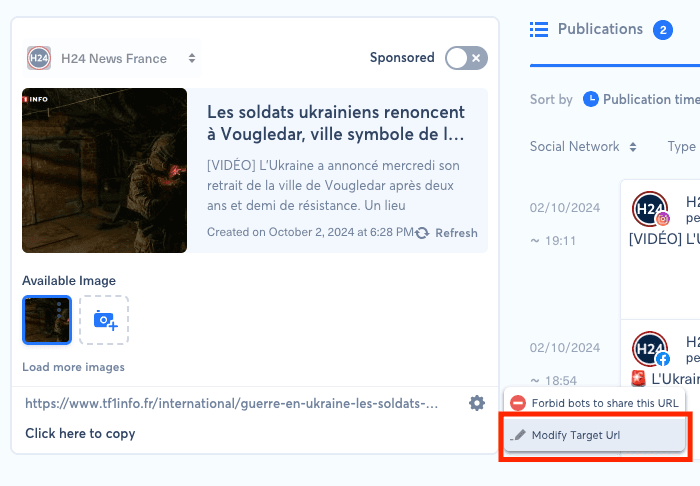
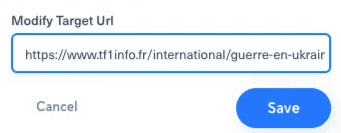
To modify a post's target URL, you need to go to the relevant target URL by clicking on the shortlink in the post window Click on the gear icon Click on "Edit target URL" Enter the new URL in the form and save