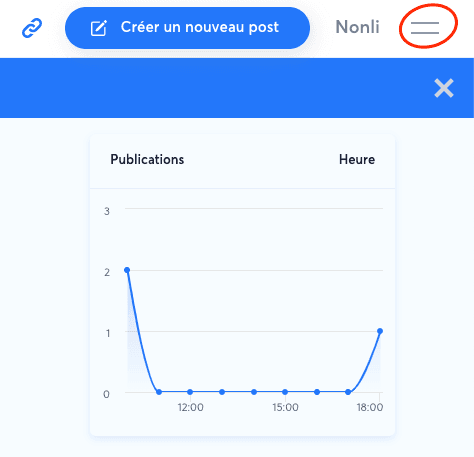
- Open the brand menu from the burger menu at the top right.
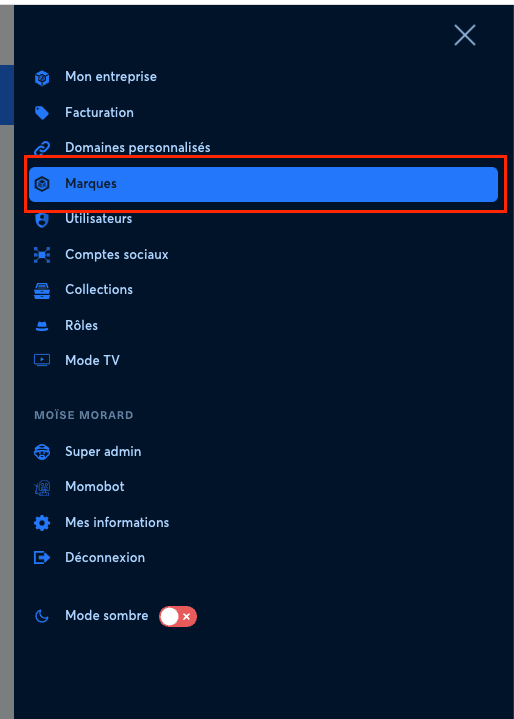
- Click the "Brand" menu.
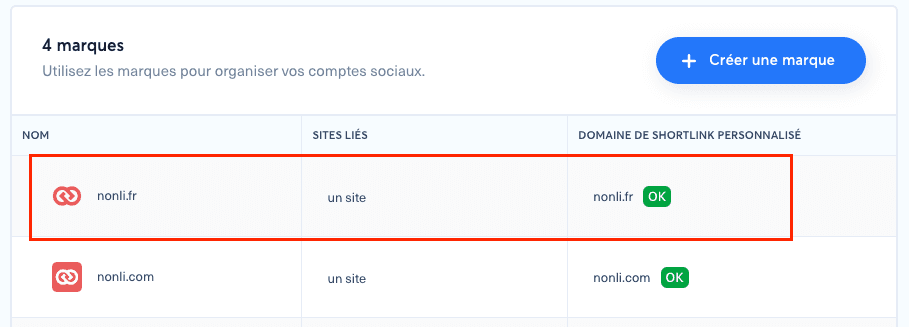
- Select a brand.
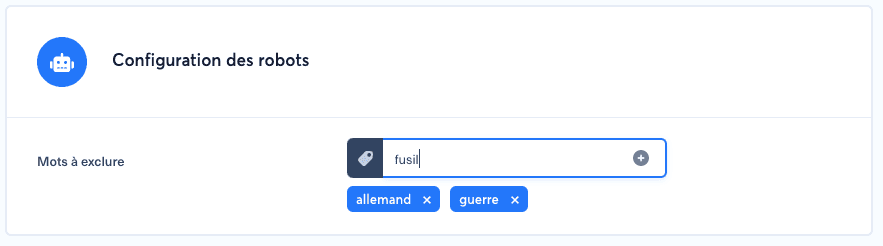
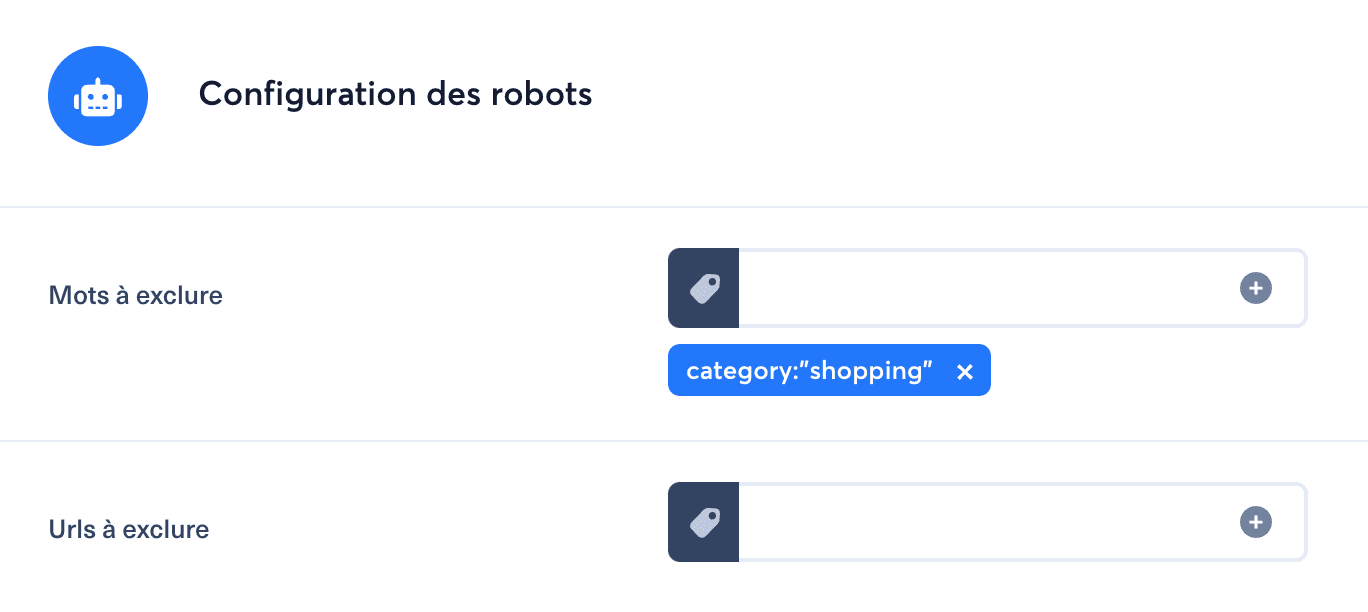
- Scroll down to the robots configuration, enter the terms to exclude and save.
- You can also exclude categories or tags from bots.
This action excludes every article containing those words, categories or tags from the robots belonging to the selected brand.