- Click the two bars at the top right.
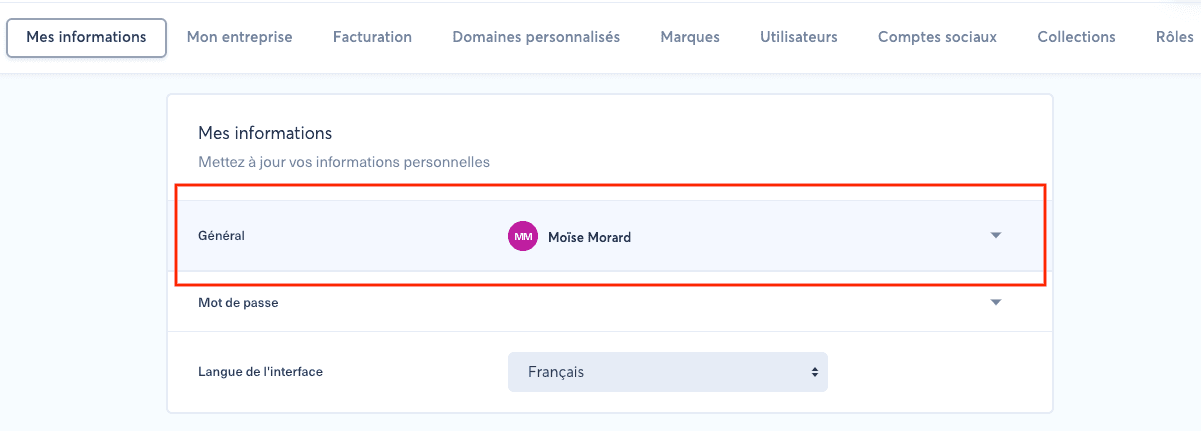
- Open "My information".
- Open "General".
- Edit your phone number or email address.
1. Verify the result#
Reload the page and confirm the change in the same company and module where it was made. If the result is missing, clear filters, verify your role and selected language, and retry only the single relevant action. Keep the visible timestamp and exact message for support, and crop screenshots to the control concerned so they contain no unrelated company, user, or publication data.