Disconnect a page or profile from Social Accounts only after checking what uses it. Pause dependent bots, review scheduled posts, exports, roles, and brand assignments, then locate the exact account by network, name, and handle. Open its actions, choose Remove, and confirm once.
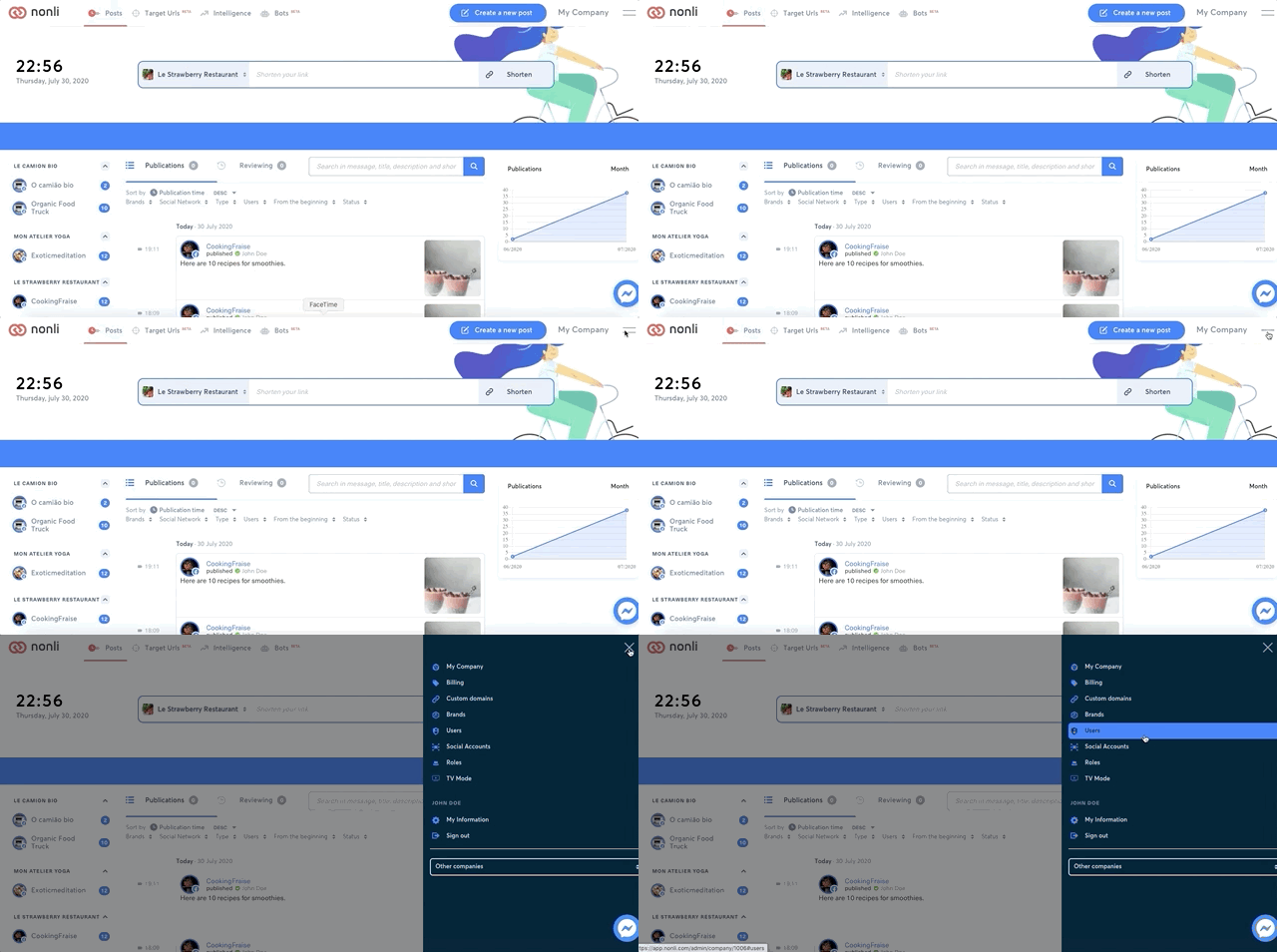
This removes the connection from the current Nonli company; it does not delete the page or profile on the social network. Already published posts remain native unless a separate deletion action is performed. Scheduled publications aimed only at the disconnected account can fail and should be reassigned or cancelled first.
If you need to repair an expired permission, reconnect or refresh the account instead of removing it. When an account was removed by mistake, reconnect it with an authorized network administrator, restore its brand assignment, and verify every bot and role before resuming automation.