Choose destination accounts at the beginning of Create a new post. Filter by brand or collection, expand the required network, and select the exact pages or profiles. Check both the visible name and handle, especially when several brands use similar names.
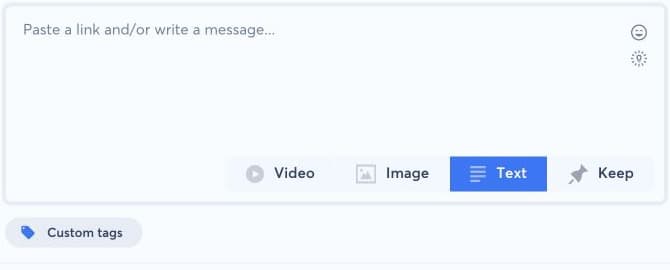
The editor and available post types adapt to the selected networks. Review the account chips or destination summary before publishing; use Select all only when every currently displayed account should receive the post. Adding a destination later can change previews, media constraints, and scheduling options, so check the whole post again.
If an expected account is missing, clear the brand filter and verify that it is connected, assigned to the current brand, authorized, and allowed by your role. Reconnect or refresh an expired account rather than selecting a namesake. If one destination needs incompatible content, create a separate post variant instead of forcing one format across all networks.