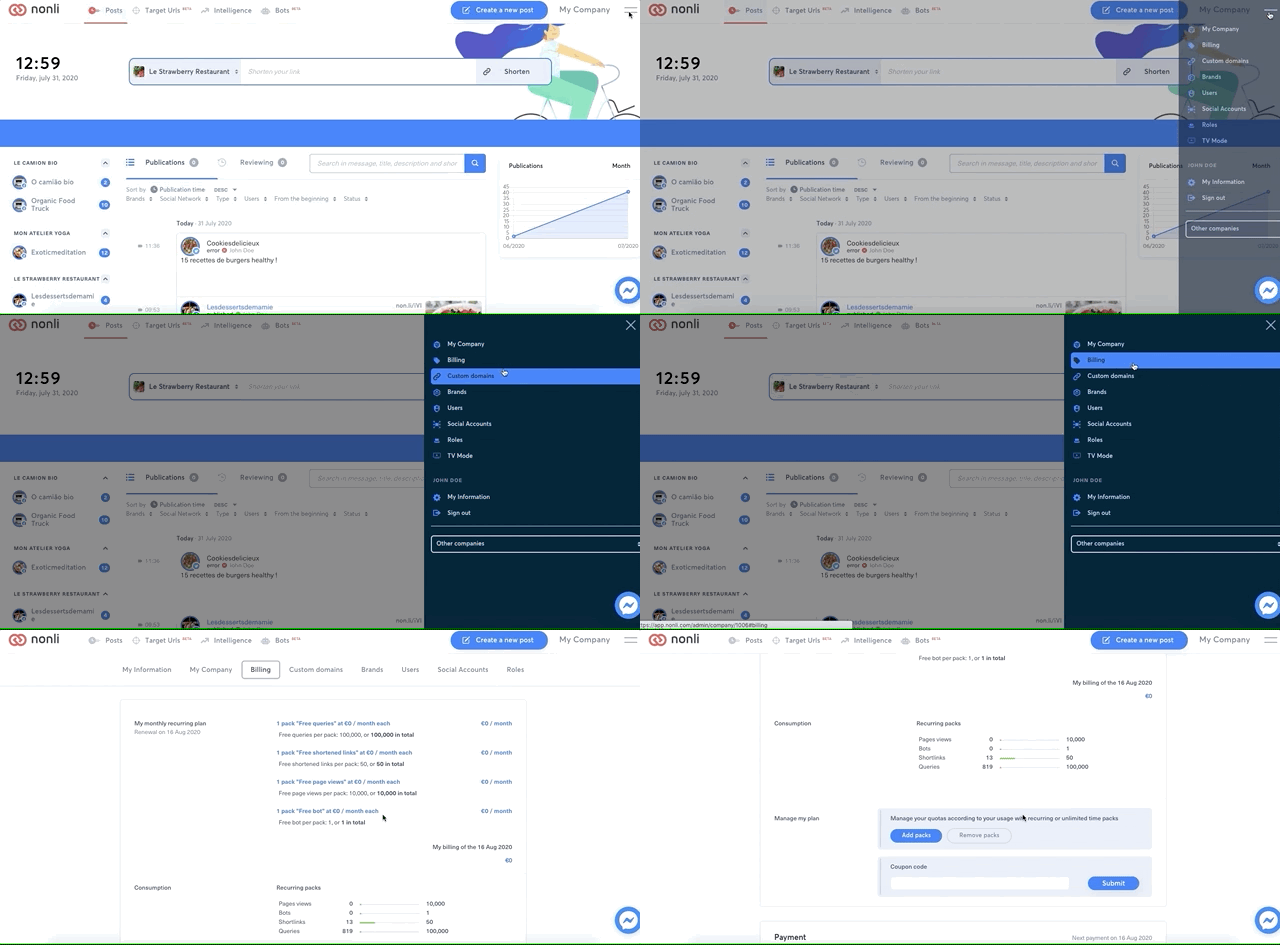
When you want to add volumes to your plan in Nonli, go to: Billing --> Manage my plan --> Add packs.
1. Verify the result#
Reload Billing and confirm the company, plan, quantity, effective date, currency, tax, and recurring amount before validating an order. A change can apply only to the next period, while an invoice already issued may require separate accounting handling. If a control is unavailable, ask a billing administrator. Share only the invoice identifier and visible error with support, never full payment details.