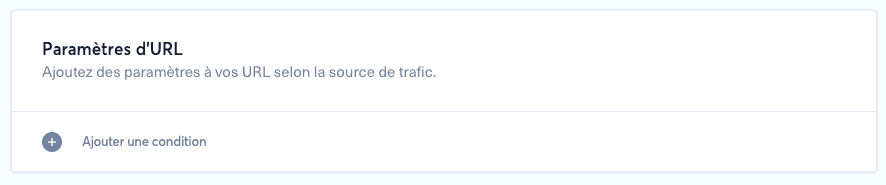
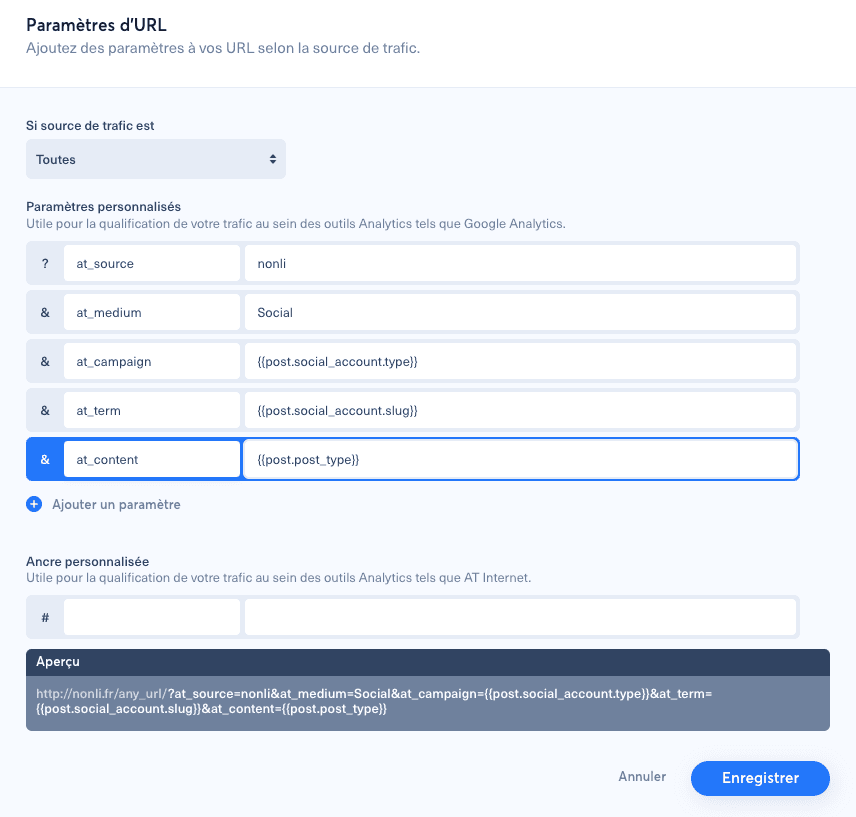
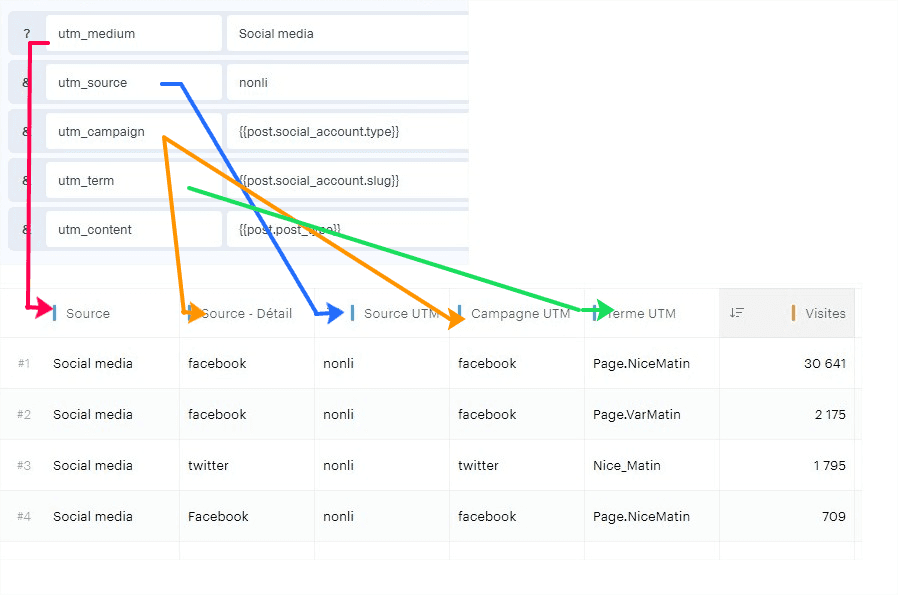
1. Where can you find the Piano Analytics setup in Nonli?#
The Piano Analytics setup is now documented in the complete dynamic URL parameters guide:
How to configure dynamic URL parameters for Google Analytics and Piano Analytics
2. Which parameters should you use with Piano Analytics?#
Piano Analytics can use UTM parameters if UTM compatibility is enabled, or parameters dedicated to your Piano tagging plan.
2.1. Example Piano setup with ,[object Object], parameters#
text
1at_medium = social2at_platform = {{ post.social_account.type }}3at_account = {{ post.social_account.slug }}4at_campaign = nonli5at_content = {{ post.author|slugify }}In this example, |slugify is a filter applied to the returned value. It turns text such as France News Bot into france-news-bot, without spaces or special characters, so the value is clean in a URL. If the post comes from a bot, post.author contains the bot name.
2.2. Example Piano setup with an ,[object Object], anchor#
text
1xtor = CS6-2-[{{ post.social_account.type }}]-[{{ post.social_account.slug }}]