1. Configure Spotlight#
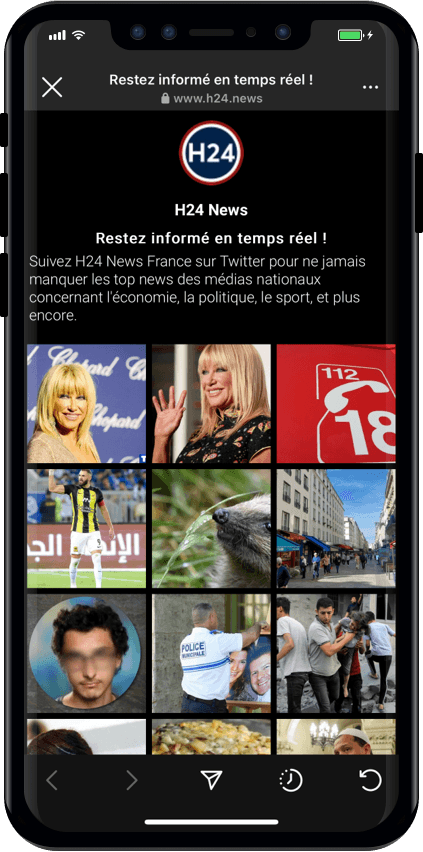
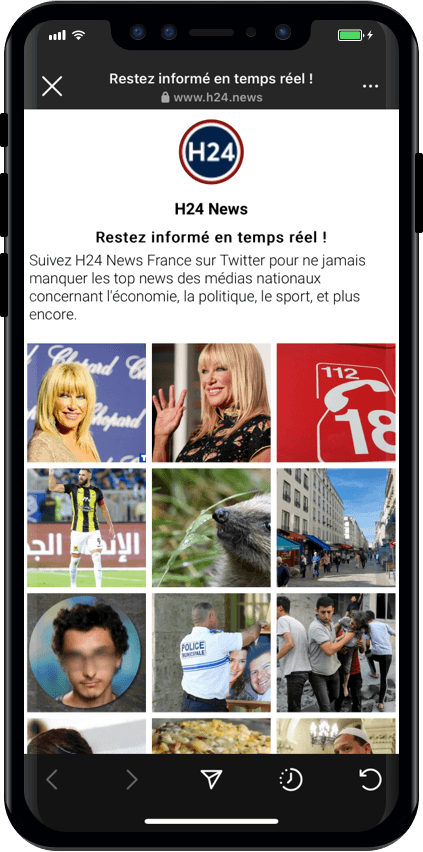
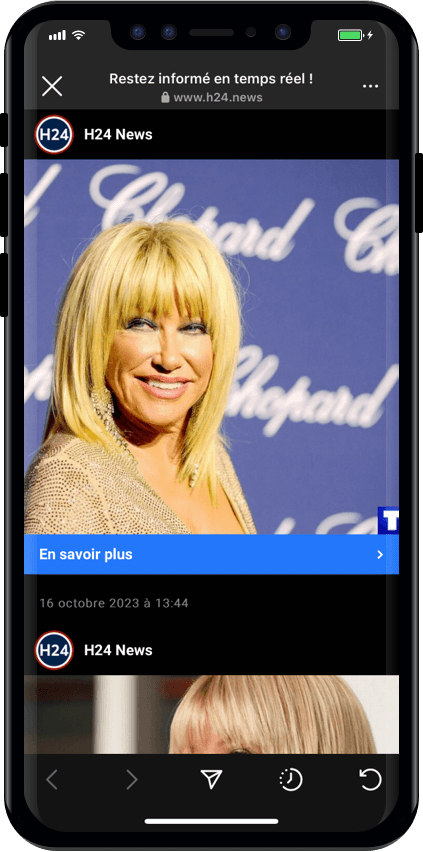
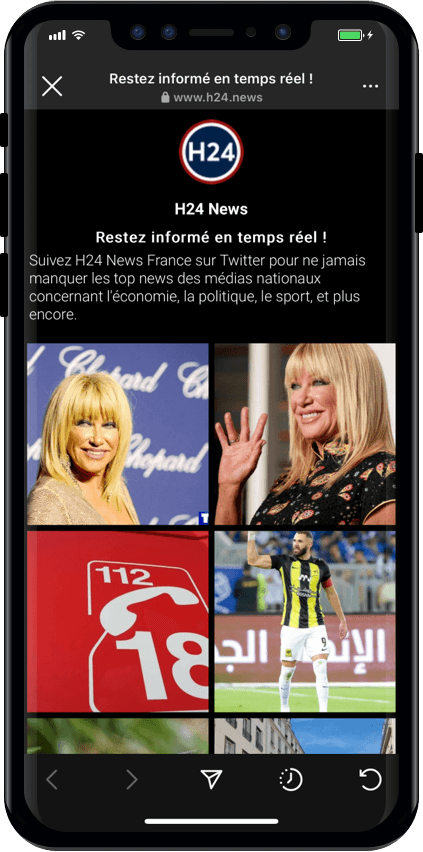
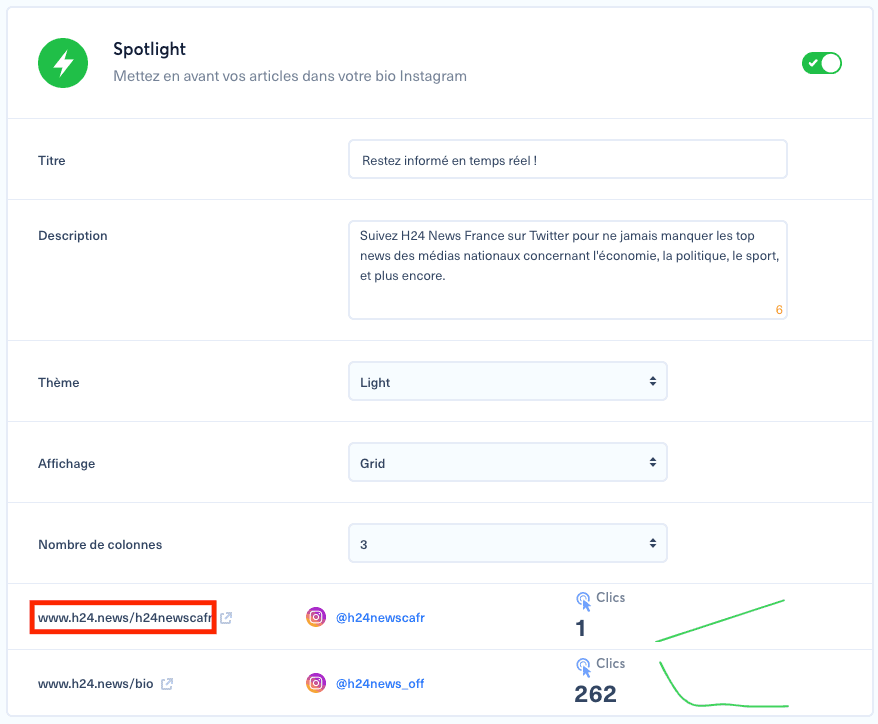
Open your brand from the burger menu, scroll down to the Spotlight section, add a title or description, choose the dark or light theme, then choose Timeline or Grid display.
2. Edit the link in bio#
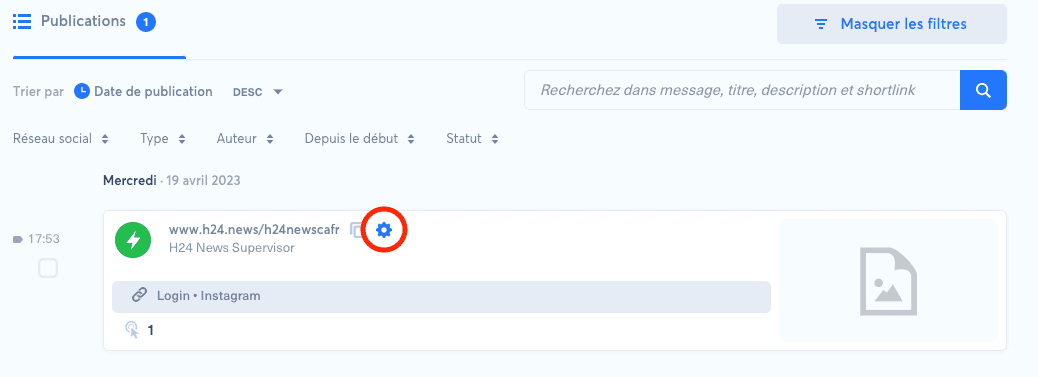
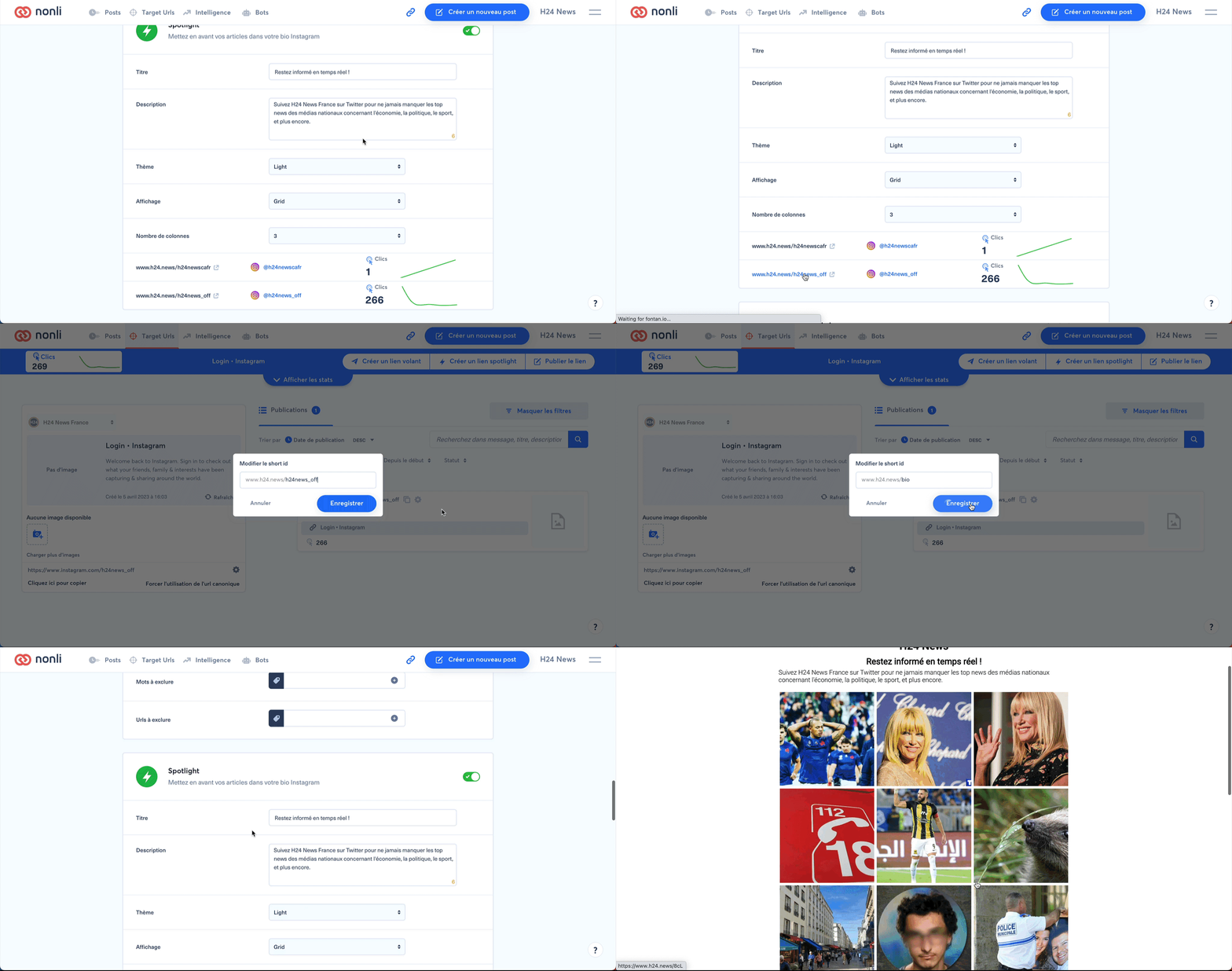
Click the Spotlight link, then use the settings wheel to customize it. If the link is missing, refresh your social accounts from the Social Accounts menu. Instagram accounts must be connected to Nonli to access Spotlight links.
3. Create an Instagram post for Spotlight#
Create a new post, paste the article URL, switch the post to image type, create the message, remove the [SHORTLINK] tag, then schedule the publication. It appears in Spotlight once visible on Instagram.
4. Add external Social Listening posts#
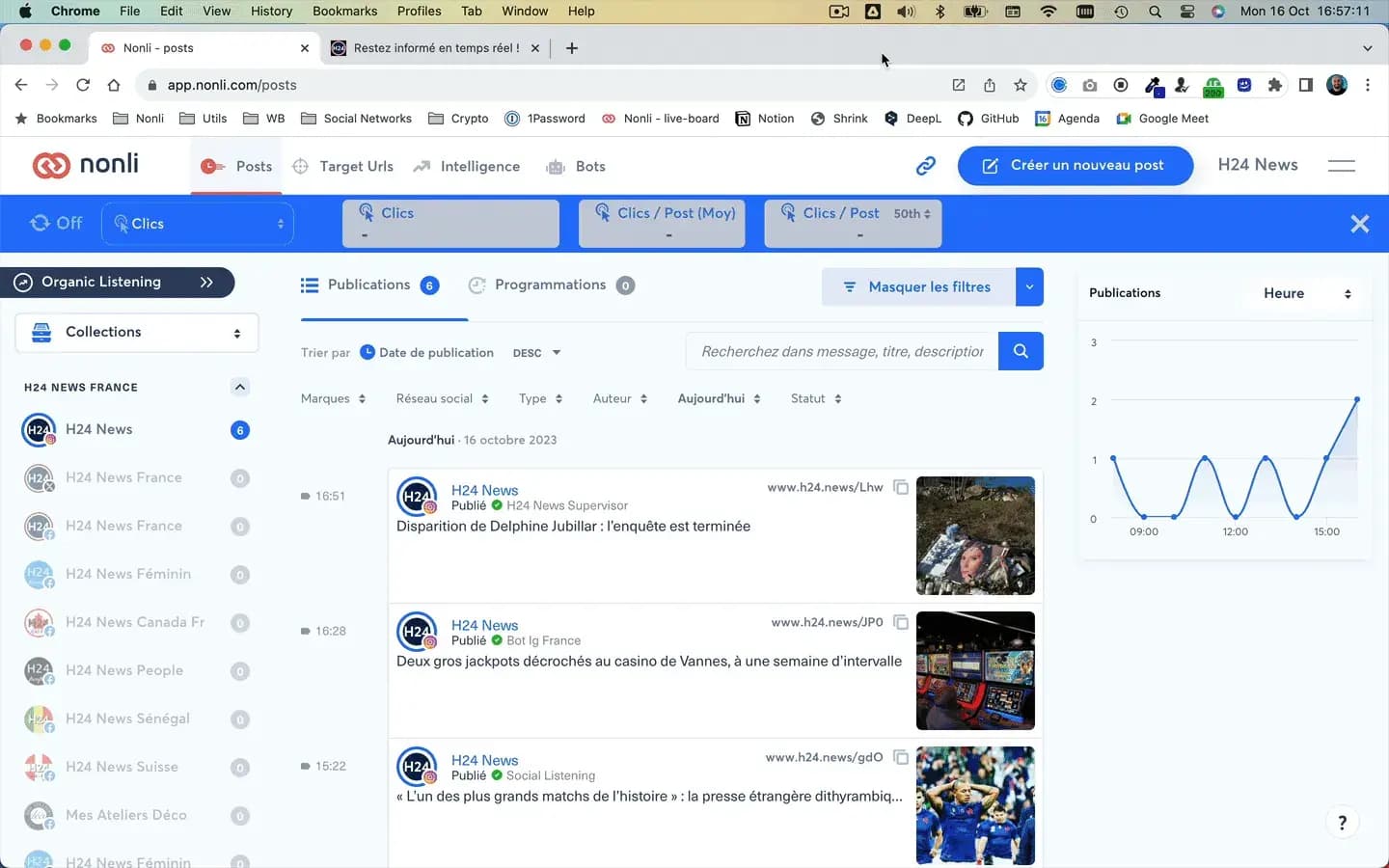
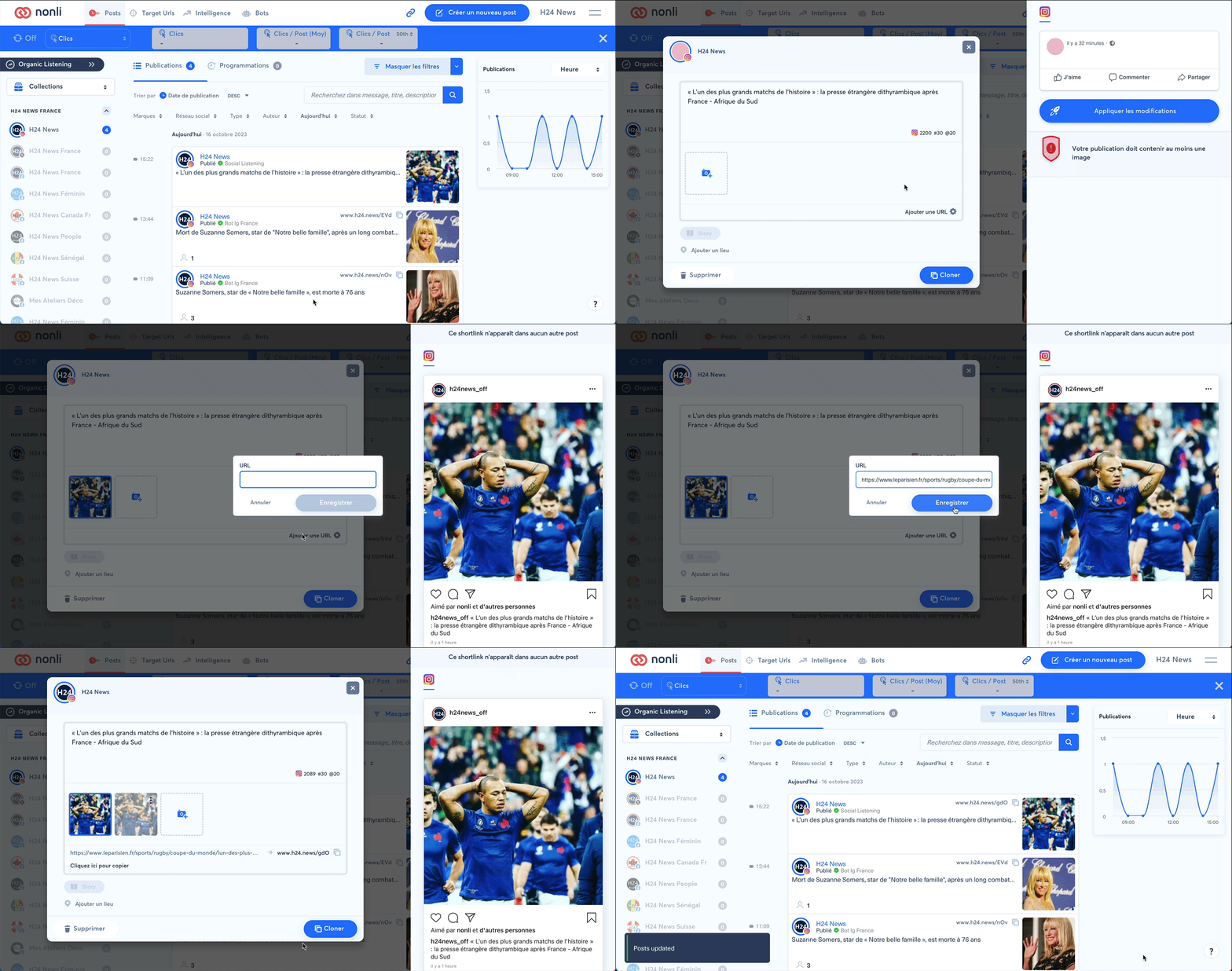
Open a post whose author is Social Listening, click the settings wheel, add the target article URL, then apply the changes.
5. Change the displayed image#
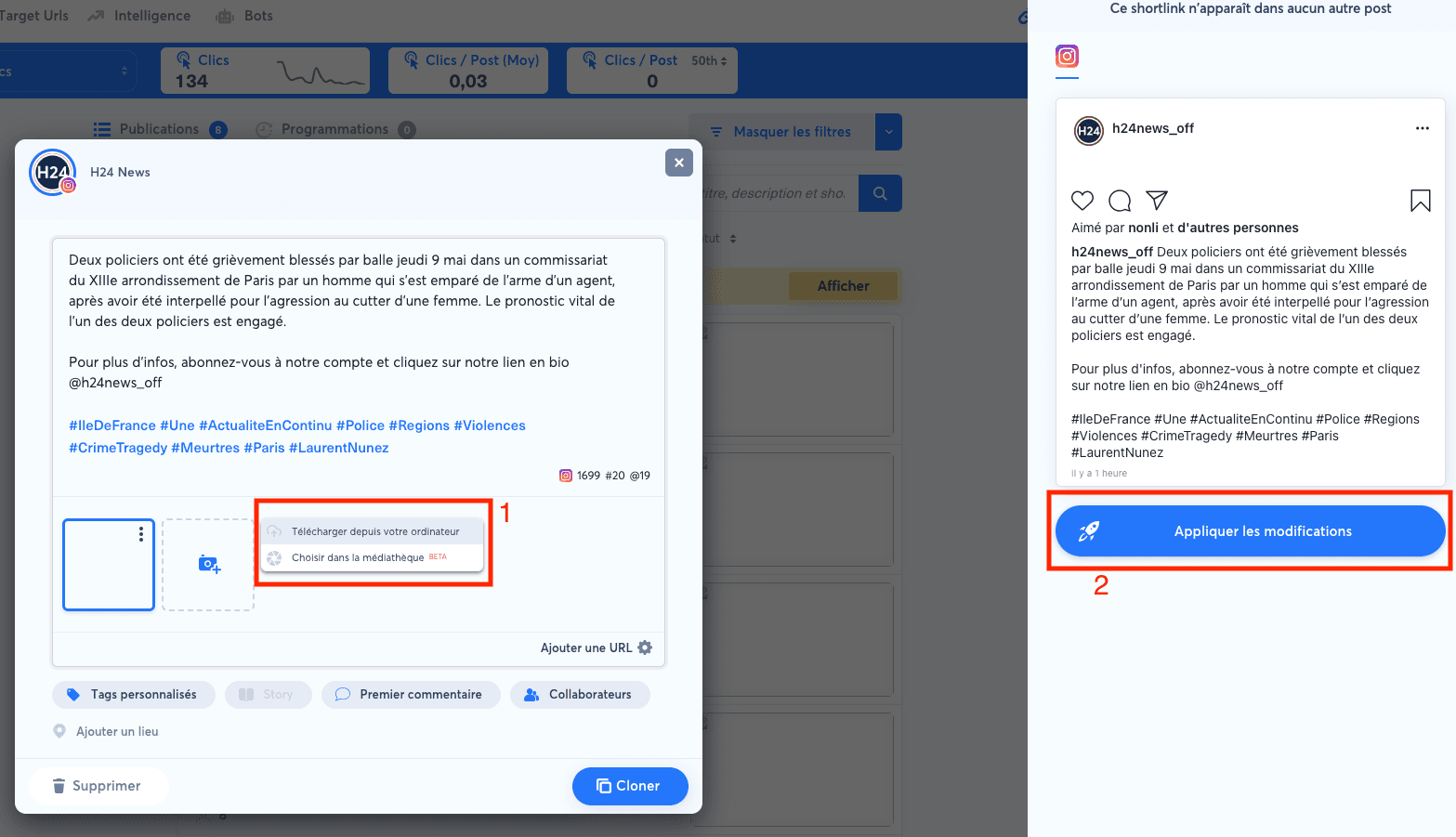
For a post created outside Nonli, open the post, upload and select a new image, then apply the changes.
6. Highlight a post#
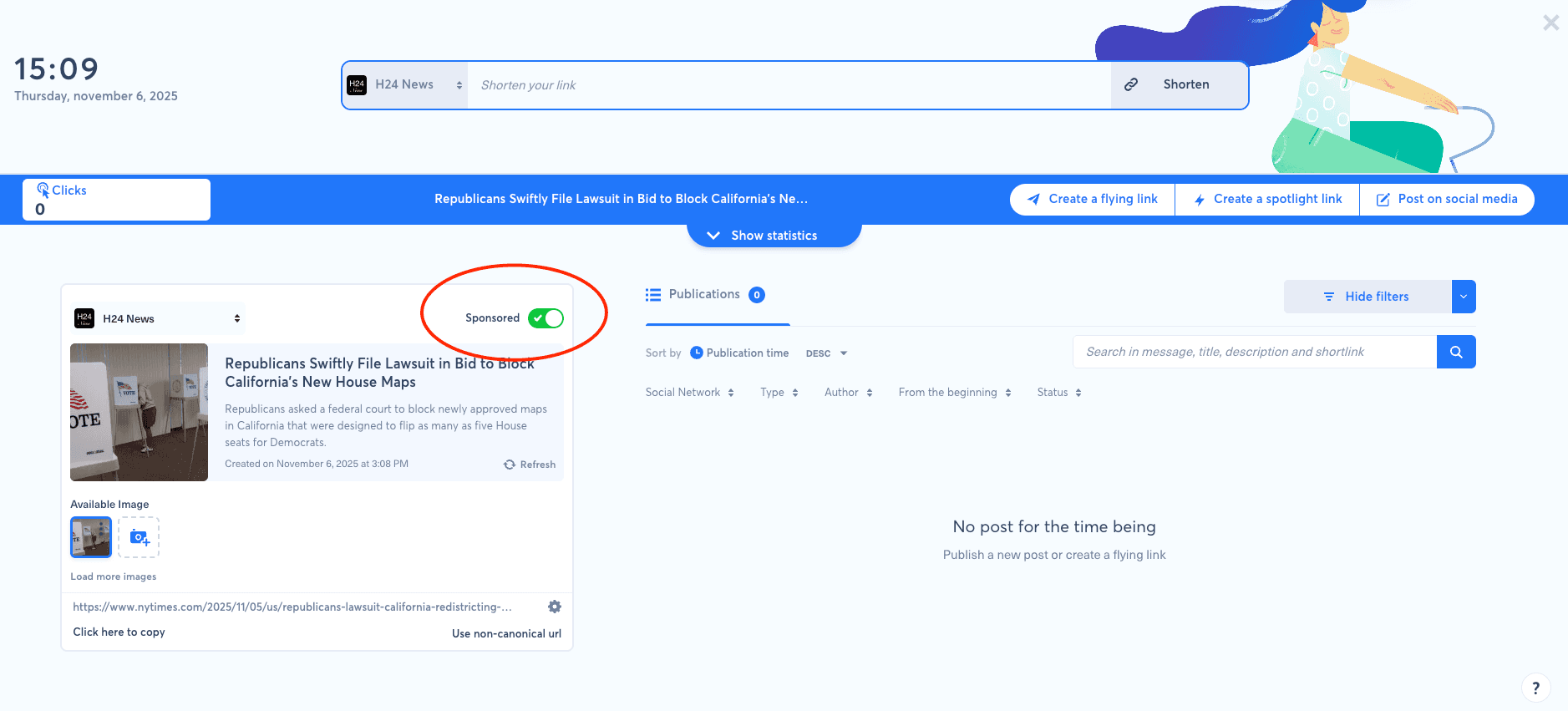
Create a shortlink for the article you want to highlight, enable the sponsored button, then create a Spotlight link.