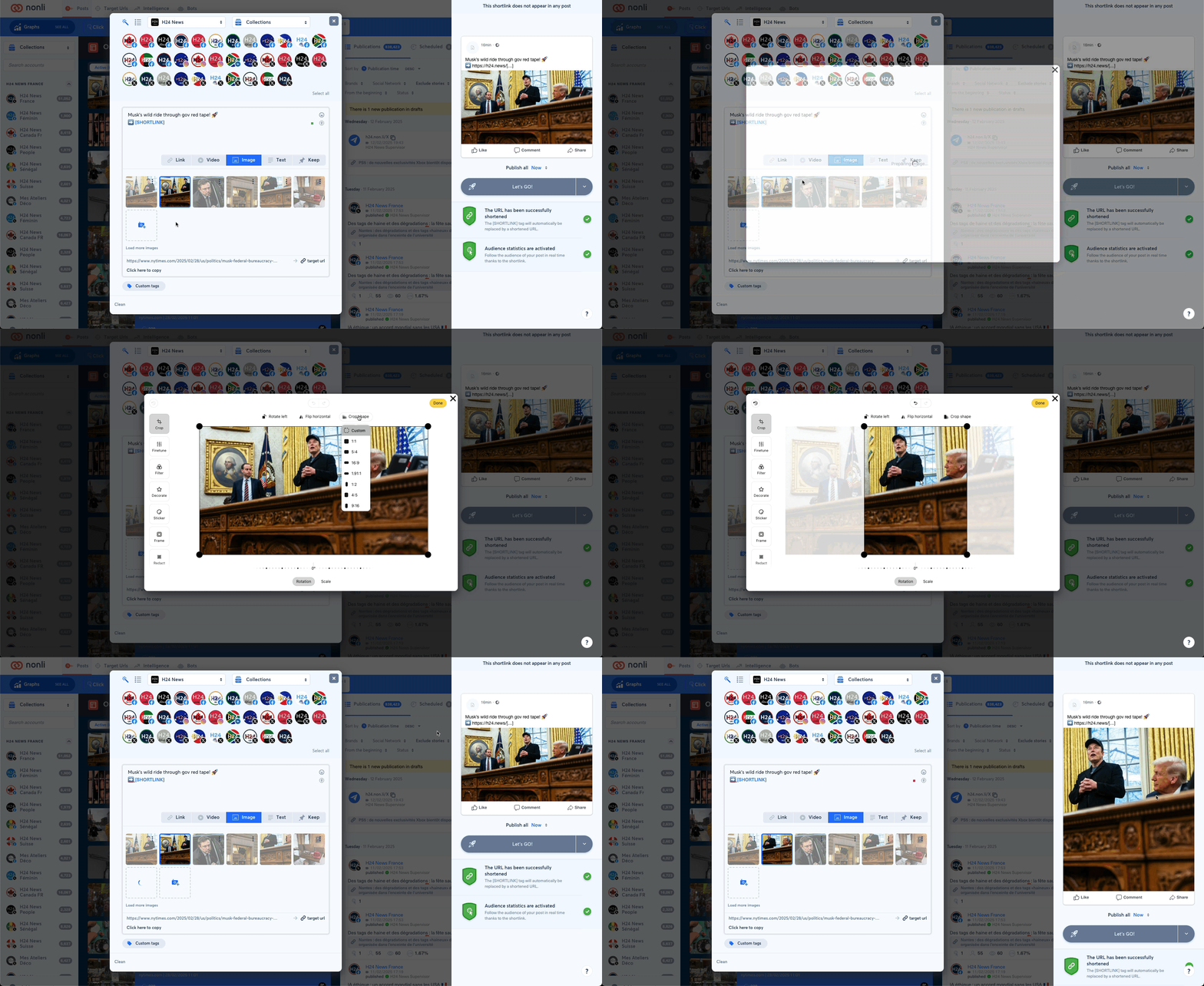
To crop an image: Click the three dots at the top right of the image. Click "Edit image". Click "Crop shape". Select the ratio you want or choose "Custom". Crop and reposition the image. Click "Done".