Robots help automate repetitive tasks to save Nonli users time. These tasks can be as different as generating alerts, messages or publications.
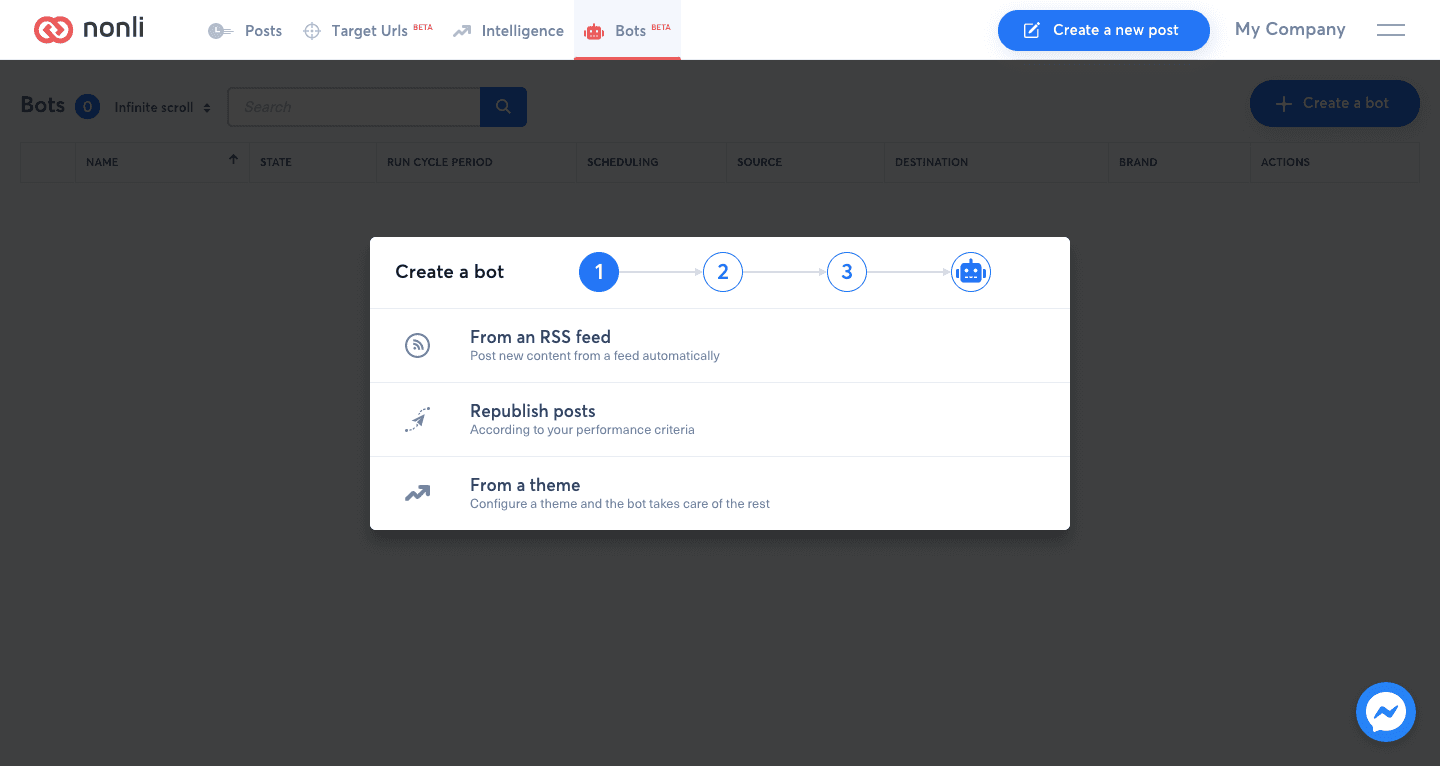
1. Verify the result#
Make the change in the correct company and check the exact user, brand, page, or profile before saving. Reload the relevant list afterward and ask the affected user to sign out and back in when permissions changed. If an option is missing, verify the user’s role and brand access instead of broadening unrelated permissions. Record the previous value so an administrator can restore it safely.