You can find all your scheduled posts on the dashboard of the "post" module.
To review those posts over time, also see the guide to the publications calendar view.
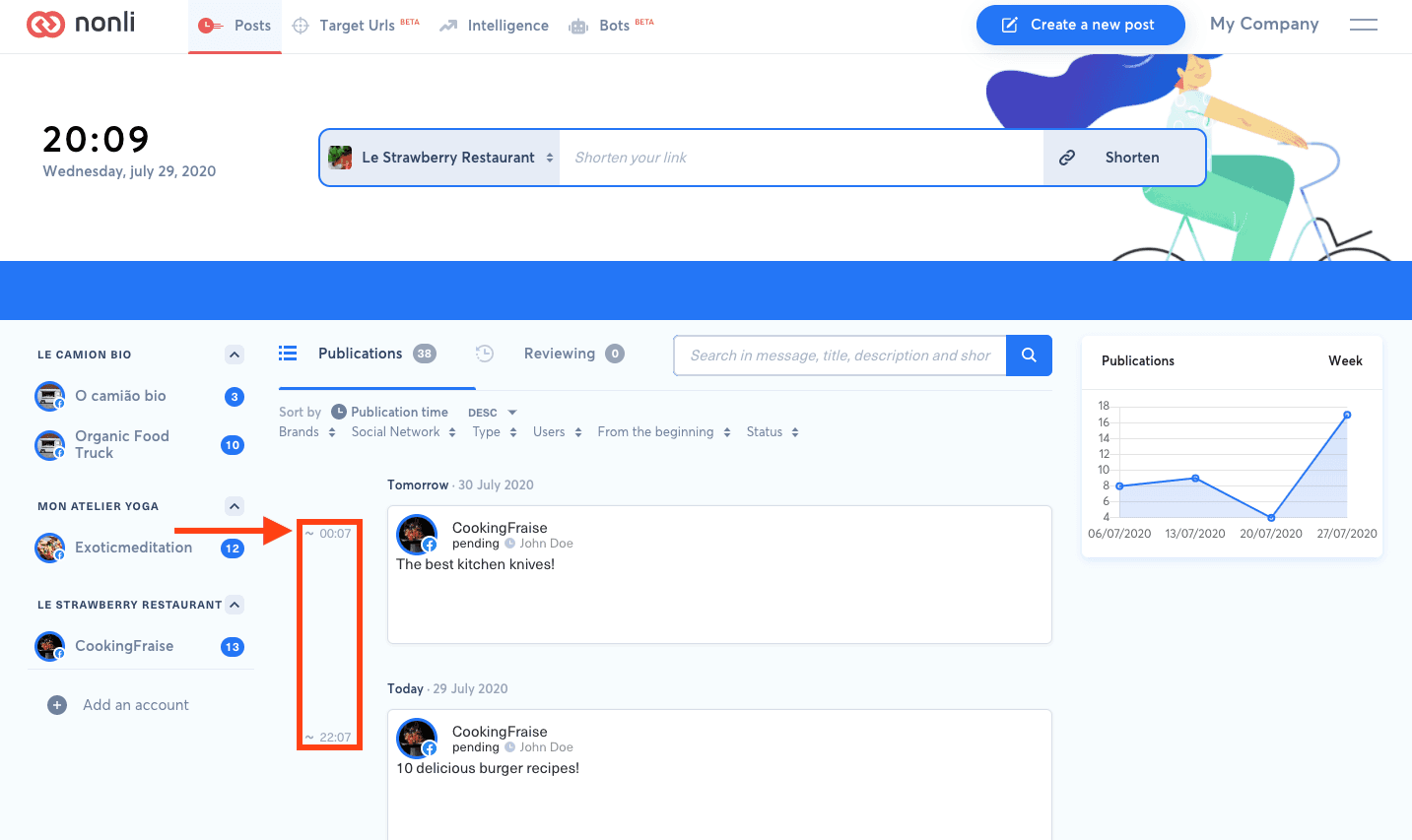
1. Verify the result#
After the action, clear dashboard filters and find the post by destination account, message, date, and visible status. Check Scheduled, Reviewing, or Publications according to the workflow. If the state is unexpected, keep the exact error and timestamp before retrying. Do not repeatedly submit, clone, or delete while a social network response is uncertain, because that can create a duplicate or remove a native post.