Where can I update my personal information (first name, last name, email address or telephone number)?
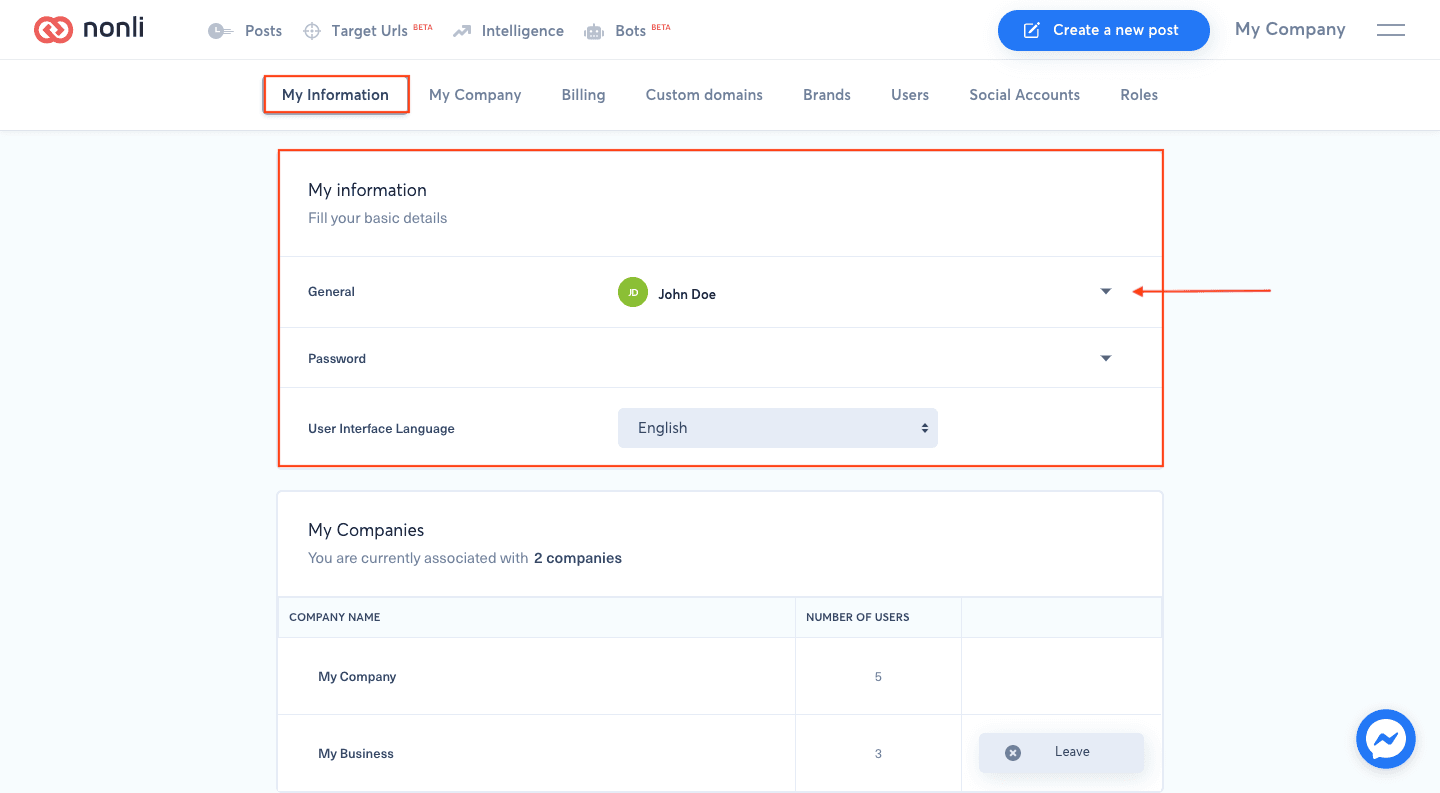
Open the main menu, select My information, then General. Edit your first name, last name, email address, or telephone number and save. An email or phone change can require a new verification; finish that flow using only the code sent to you. If you cannot sign in to make the change, follow the secure recovery guidance instead of creating another user.
1. Verify the result#
Reload the page and confirm the change in the same company and module where it was made. If the result is missing, clear filters, verify your role and selected language, and retry only the single relevant action. Keep the visible timestamp and exact message for support, and crop screenshots to the control concerned so they contain no unrelated company, user, or publication data.