Open the main menu and choose Billing or Consumption for the current company. The page shows the counters available to your subscription, such as connected resources, activations, publishing or feature usage, together with the corresponding allowance when applicable.
Check the selected company and billing period before interpreting a number. Some counters represent a current total, while others accumulate during a period and reset on the displayed date. A recently completed network action or statistic can also take time to appear.
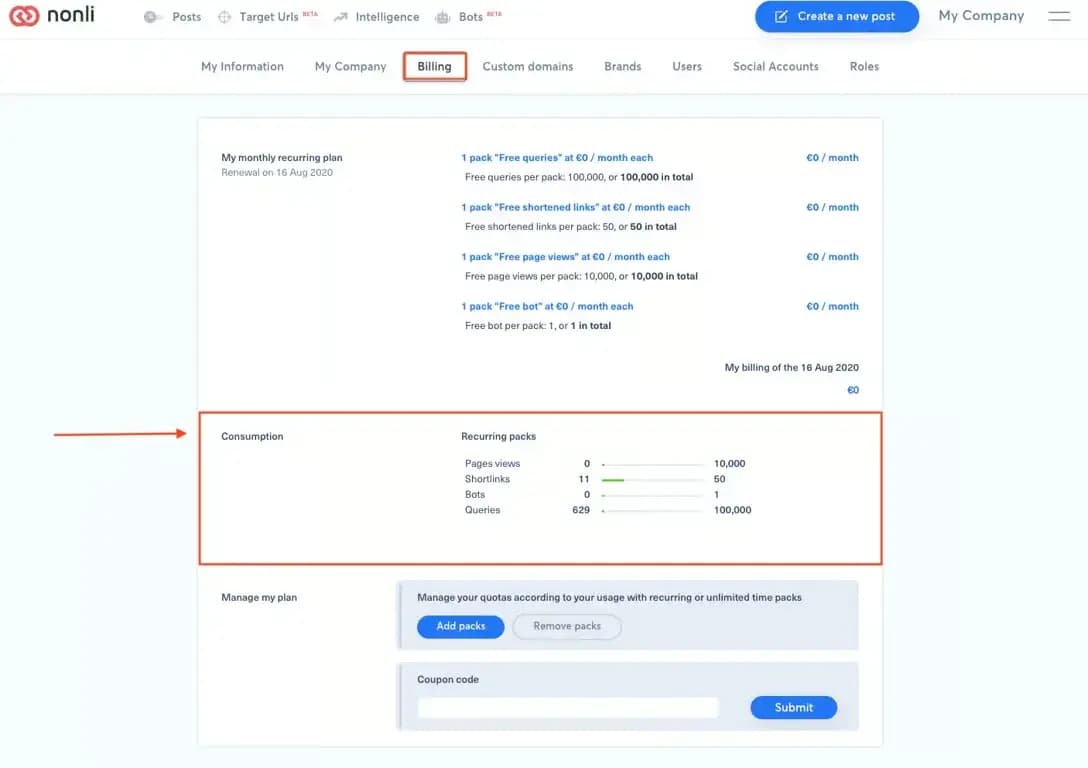
If the value seems wrong, record the counter name, visible value and limit, company, period, timezone, and the action that should have changed it. Do not send invoices or payment details in a general support screenshot; crop it to the relevant counter. An administrator may see billing information that an ordinary role cannot access.