- Apri il tuo brand dal menu burger: «Brands», poi clicca sul brand che vuoi configurare.
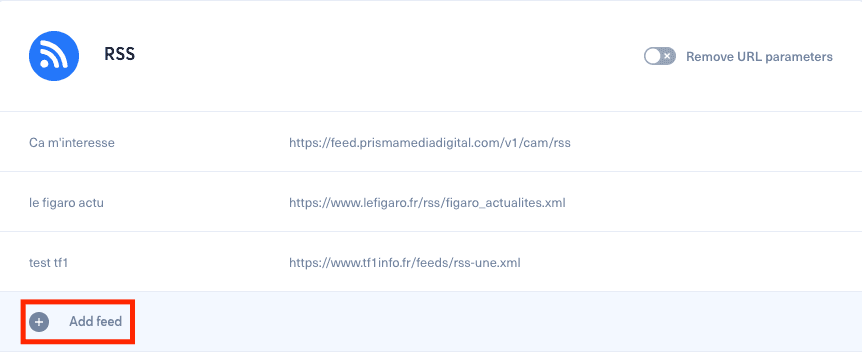
- Scorri fino alla sezione RSS.
- Clicca su «Add a feed».
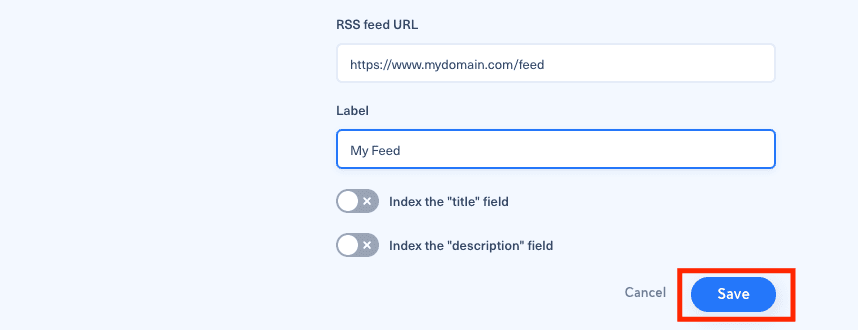
- Aggiungi l'URL del feed RSS e un'etichetta, poi clicca su «Save».
Non attivare «title» e «description» a meno che tu non voglia usare quei testi nei tuoi messaggi e non siano già presenti nel tuo articolo.
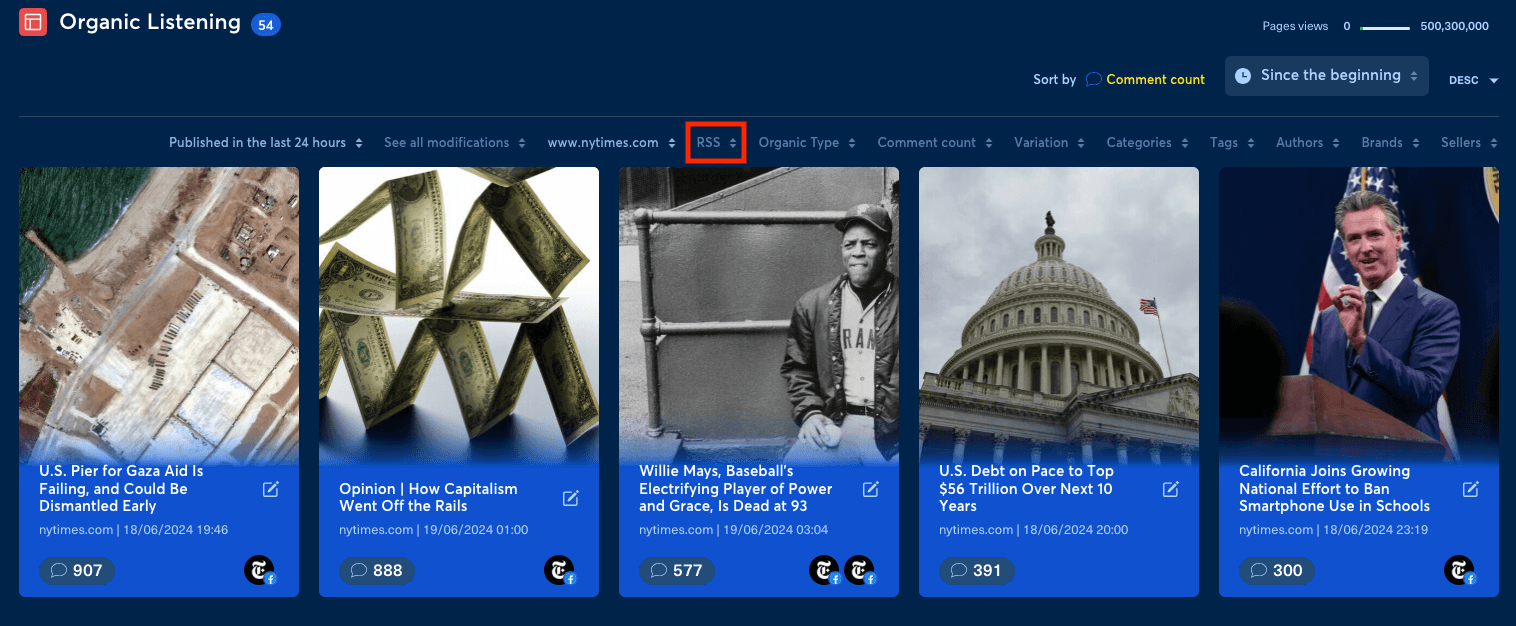
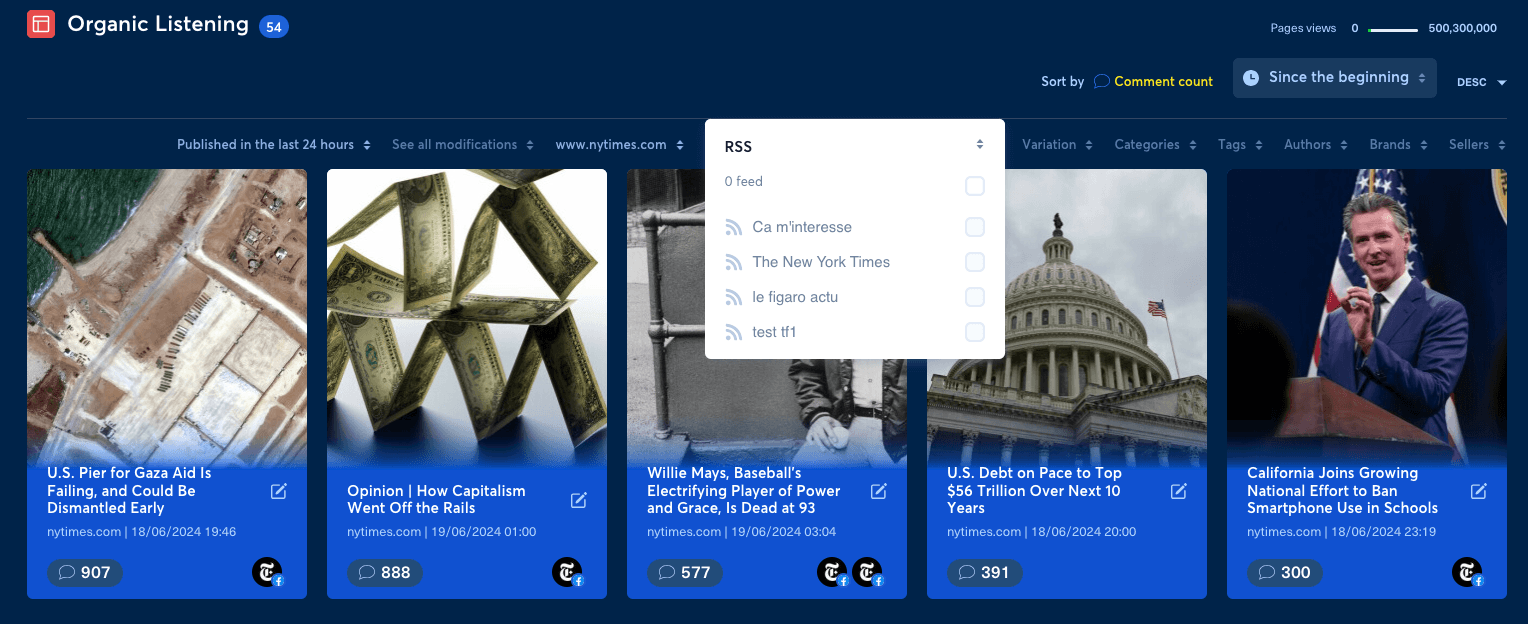
Puoi quindi creare un filtro in Organic Listening, nella sezione Intelligence, basato su quel feed RSS.
Se un elemento del feed che ti aspetti non arriva nel tema, usa la diagnostica della raccolta dei contenuti web prima di modificare un bot.