- Click on the hamburger menu in the top right
- Select "Social Accounts"
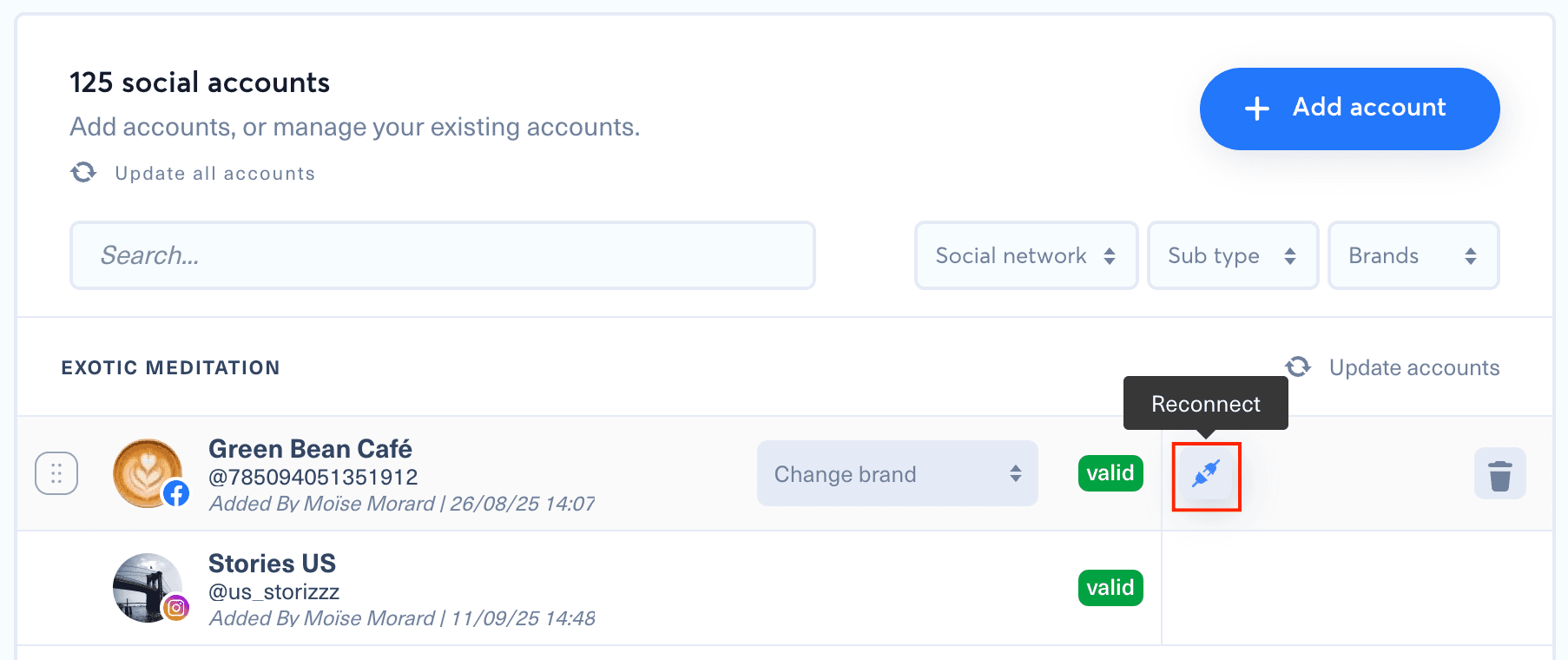
- Locate the account to reconnect
- Click on the plug icon that appears when hovering with your mouse
- Follow the instructions to finalize the account reconnection
For a YouTube channel, sign in with the Google account that owns the channel and check every permission on Google's permission screen, or "Select all" when it is shown, before clicking "Continue". A permission left unchecked can limit publishing, statistics or Content ID features; see how to connect a YouTube channel.
For a YouTube channel managed by a Content Owner, check the CMS account and Content ID setup before reconnecting it.