1. Social account management#
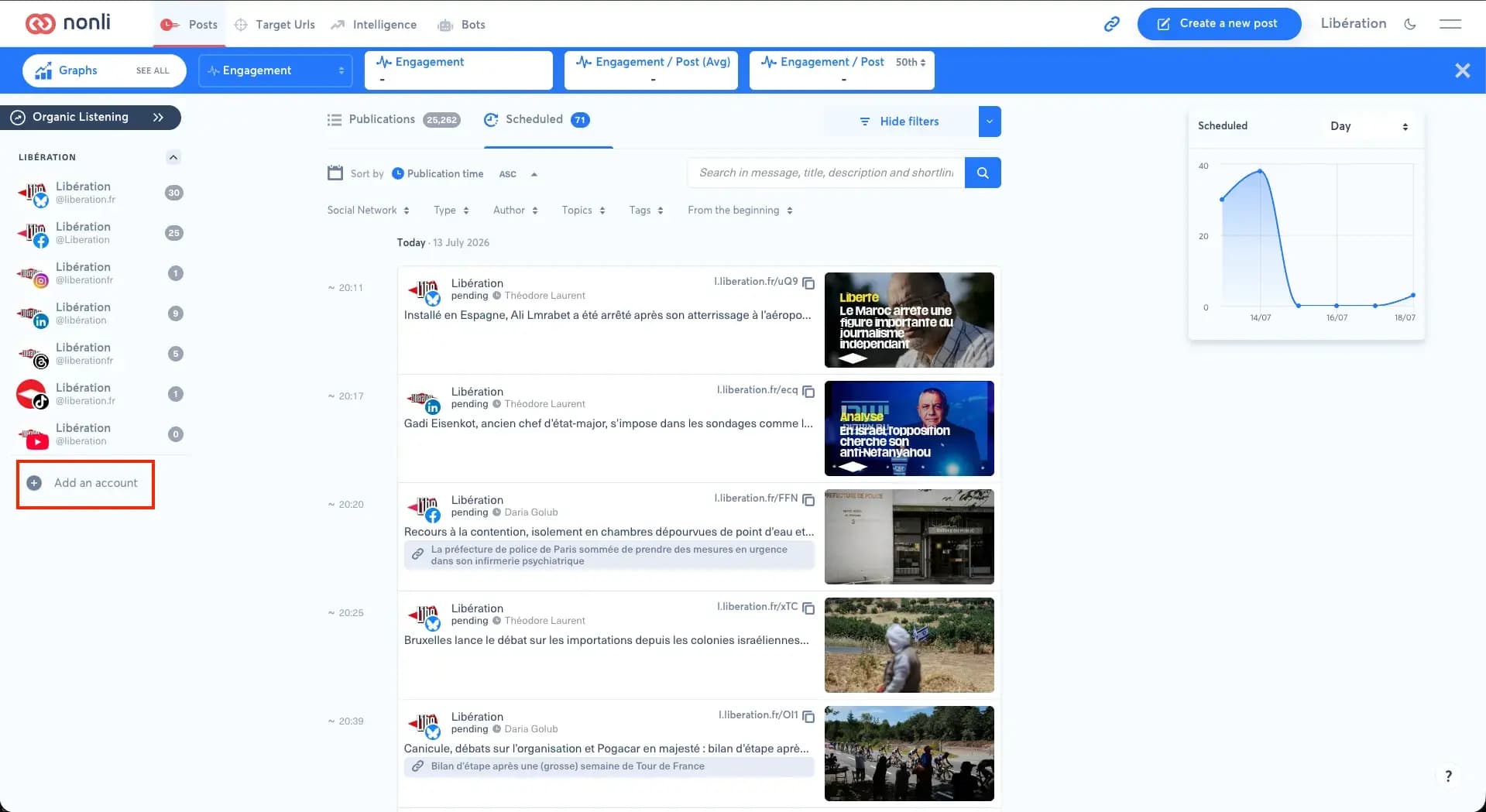
You can add them directly from the Posts module by clicking on the "Add an account" button in the left column.
Alternatively, open "Social Accounts" from the burger menu and click on "Add account".
Then select the accounts, pages or channels you wish to add. You can add multiple pages at the same time if they are all attached to the same account by checking the corresponding boxes in the list.
The number of accounts you can connect depends on your plan and packs. When a limit is reached, the network shows "Quota reached" instead of "Connect": see how to add or remove packs.
1.1. Step-by-step guide: how to add a social account on Nonli#
Follow these steps to add a social account to your brand on Nonli:
- Go to the "Posts" tab.
- Click the "Add an account" button at the bottom left.
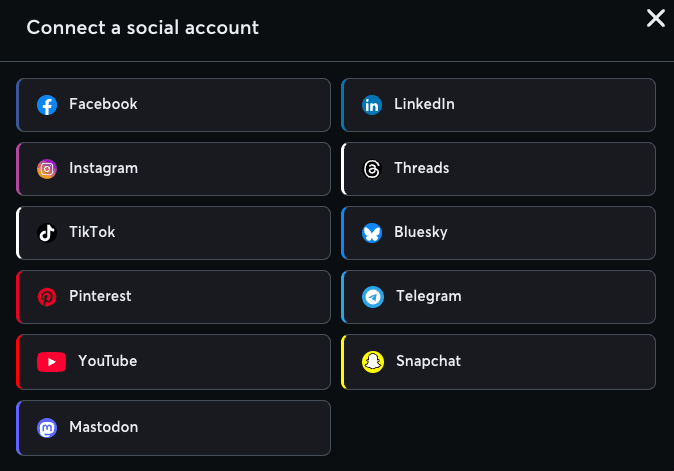
- In the "Connect a social account" window, select the social platform for the account: Facebook, LinkedIn, Instagram, TikTok, Threads, Bluesky or YouTube.
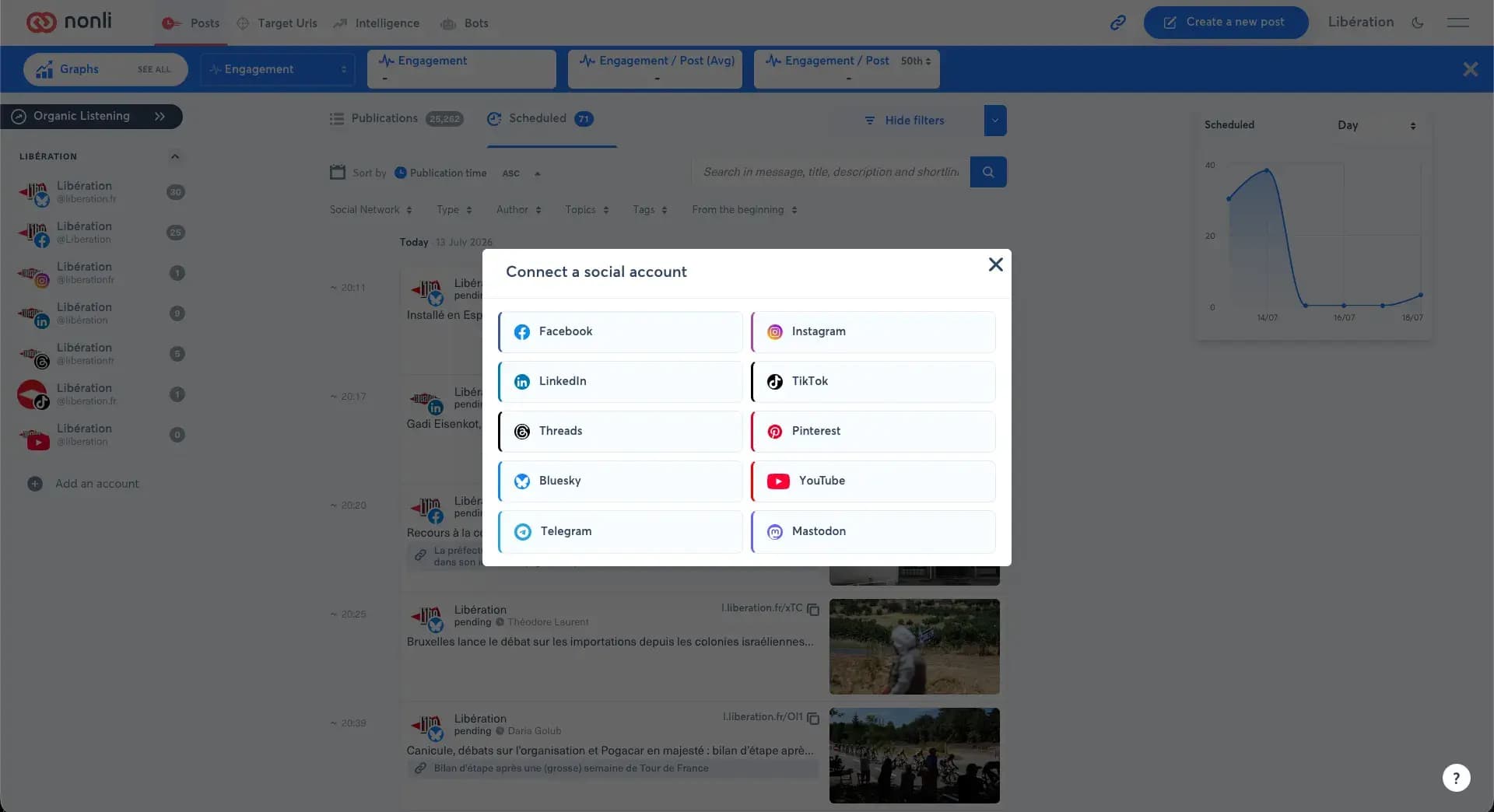
- Click "Connect" and follow the connection instructions for the selected platform.
- In "Choose the profile or pages to add", select the profiles or pages, then click "Continue".
- Select the brand this social account should be linked to, then click "Continue".
- Nonli confirms how many accounts were added or updated. The social account is added to your brand and appears in the list in the "Posts" tab.
When you can only publish to one brand, Nonli skips the brand step and links the new accounts to it.
2. Connect a YouTube channel#
The YouTube tile only appears when YouTube is enabled for your company. If you don't see it in the "Connect a social account" window, contact Nonli support: a missing tile does not mean that Google refused your account.
- Click "Add an account" in the Posts module, or "Add account" in "Social Accounts".
- Select YouTube, then click "Connect".
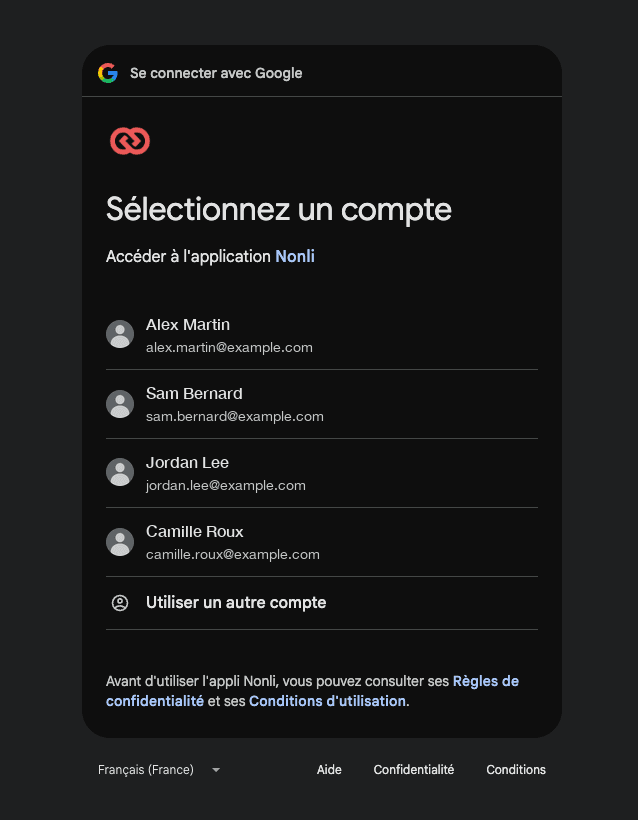
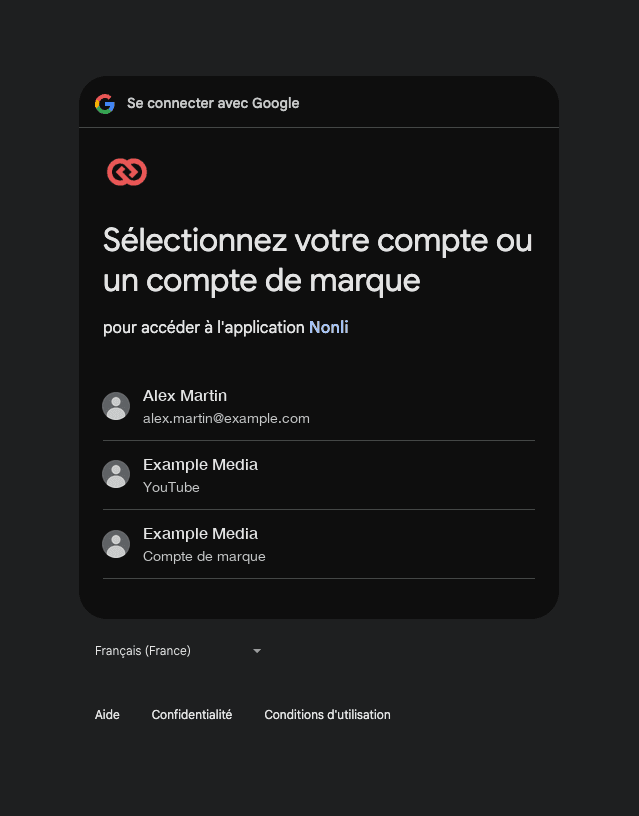
- Sign in to Google with the account that owns the channel. If Google asks you to choose between your personal profile and a channel or Brand Account, choose that channel or the Brand Account that owns it.
- On Google's permission screen, check every permission in the list, or "Select all" at the top when it is shown, then click "Continue".
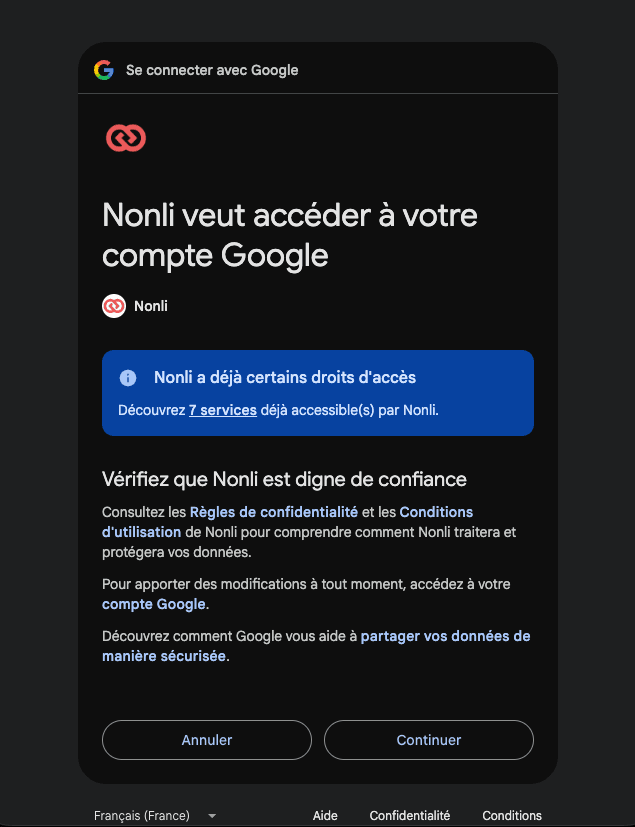
When Nonli already has access to the account, as in this example, Google says so in a blue banner and may not show the list of permissions. The banner's "7 services" link lists the access already granted. In that case, click "Continue".
- Back in Nonli, select the channel or channels to add, then click "Continue".
- Assign each channel to the intended brand, then click "Continue" again. This step is skipped when you can only publish to one brand.
- Check that the channel now appears in the account list of the "Posts" tab.
Nonli asks Google for seven YouTube permissions. Each one has its own checkbox and covers your YouTube account, your videos, your comments and captions, YouTube Analytics reports including monetary reports, or your assets and associated content. Check all of them.
Leaving a permission unchecked can limit what Nonli can do with the channel, such as publishing, statistics or Content ID features. To fix it, reconnect the channel and check every permission. The permission about assets and associated content is used for channels managed through a YouTube Content Owner (CMS); for other channels Google may not grant it even when it is checked.
2.1. Who can connect the channel?#
Being invited to a channel from YouTube Studio (Settings, then Permissions) does not let you connect it to Nonli: Google does not give invited users access to the YouTube APIs. Ask an owner of the channel to connect it from their own access. A channel attached to a Brand Account can be connected by an owner of that Brand Account in Google.
If only your personal channel appears after signing in, reconnect and choose the right channel or Brand Account in Google's account chooser. A channel added by mistake can be removed by a company administrator: see how to remove an account or a page.
Content Owner (CMS) access is a separate route with its own setup. For channels managed through a YouTube Content Owner, follow the YouTube Content ID connection and verification guide.
3. Tips#
- You can reorder your social accounts from the "Social Accounts" section available in the burger menu.
- You can also add more social accounts directly from social account management.
- Telegram uses a bot connection: see how to add a bot to a Telegram channel.
To share a Threads post to an Instagram Story, also check which Instagram account is linked to Threads.