1. When should you use Refresh?#
Use Refresh when the source page has changed but the link preview in Nonli still shows an old title, description or image. Nonli scrapes the source URL again and updates the organic document associated with the post.
2. Refresh the organic document#
- Open Posts, then click the post you want to update.
- Select the Link post type to display the organic document preview.
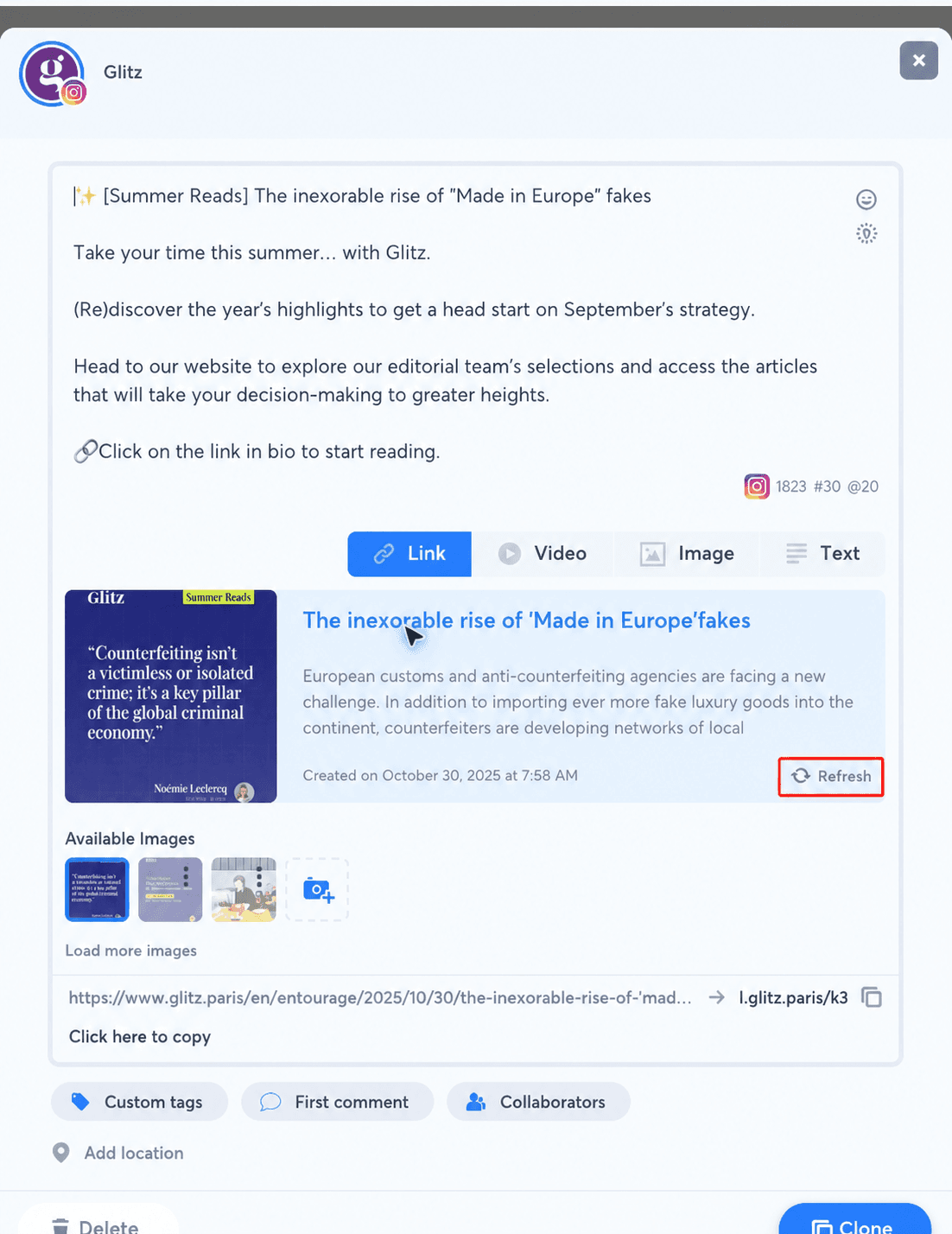
- Click Refresh at the bottom-right of the preview.
- Wait for the refresh to finish, then check the title, description and available images.
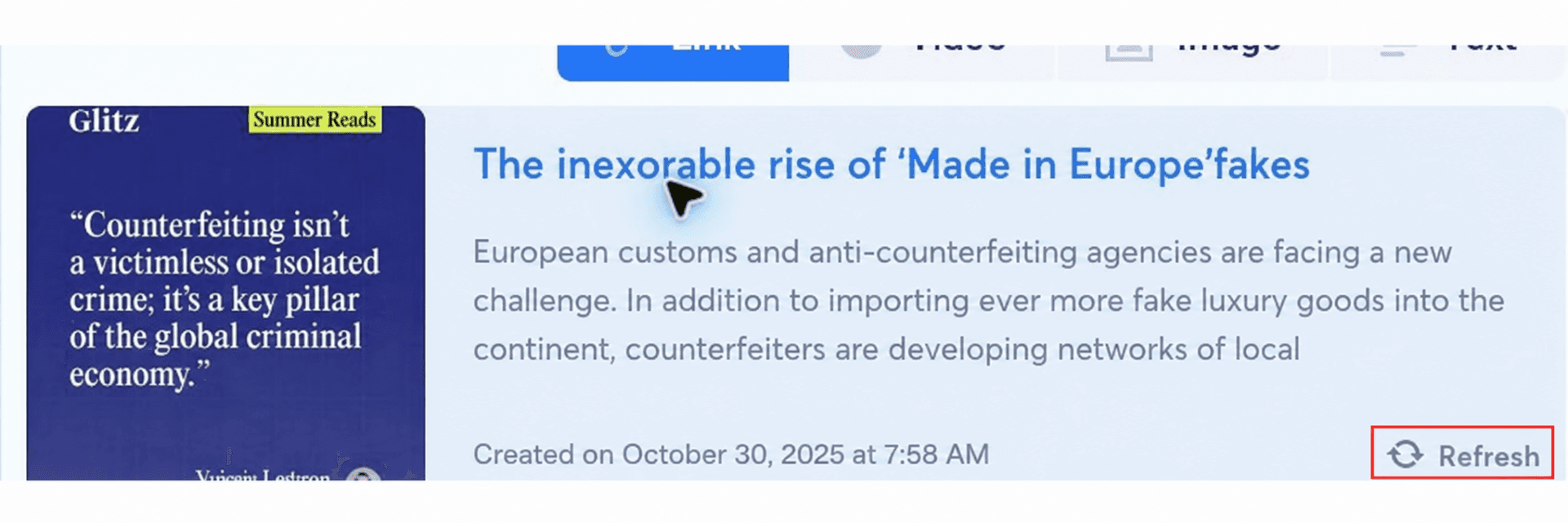
Refreshing updates the organic document; it does not rewrite the post message. If you then change the selected image or edit another part of a scheduled post, click Apply edition to save those post changes.
If the refreshed preview still does not contain the expected publisher data, compare the source page with the Nonli HTML meta tags reference.
The button is intended for posts that have not yet been published. It is not generally displayed when editing an already published post.