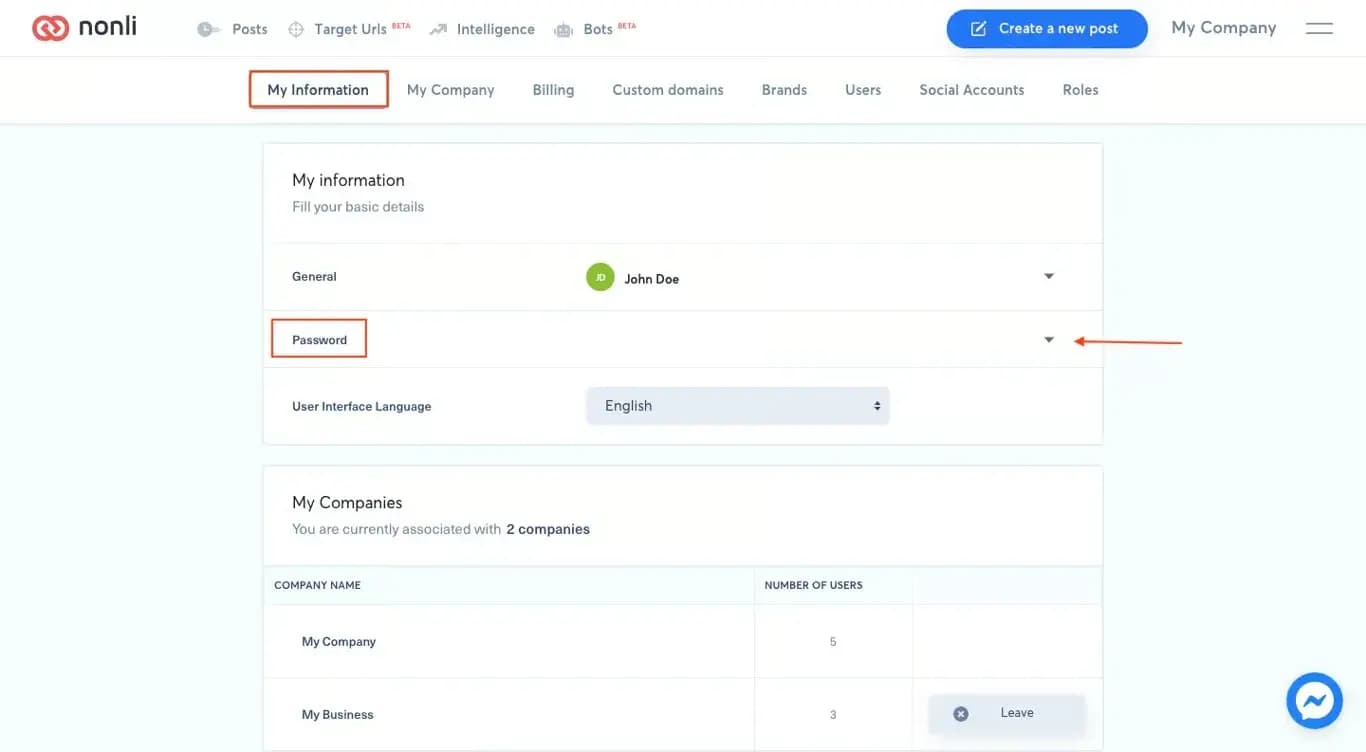
When you can sign in, open My information, go to the security or password section, enter your current password and the new password, then save. Use a unique password stored in a password manager; never reuse a password from another service.
If you cannot sign in, use Forgot password on the login page and open only the most recent reset email. A password reset does not replace two-factor authentication (2FA). Keep your authenticator and backup codes available for the next sign-in.
If no reset email arrives, verify the exact email address, spam folder, and company mail quarantine. An administrator can confirm which address is attached to your user, but support must never request your password, one-time code, backup code, or authenticator secret. See the secure sign-in guide for recovery steps.